
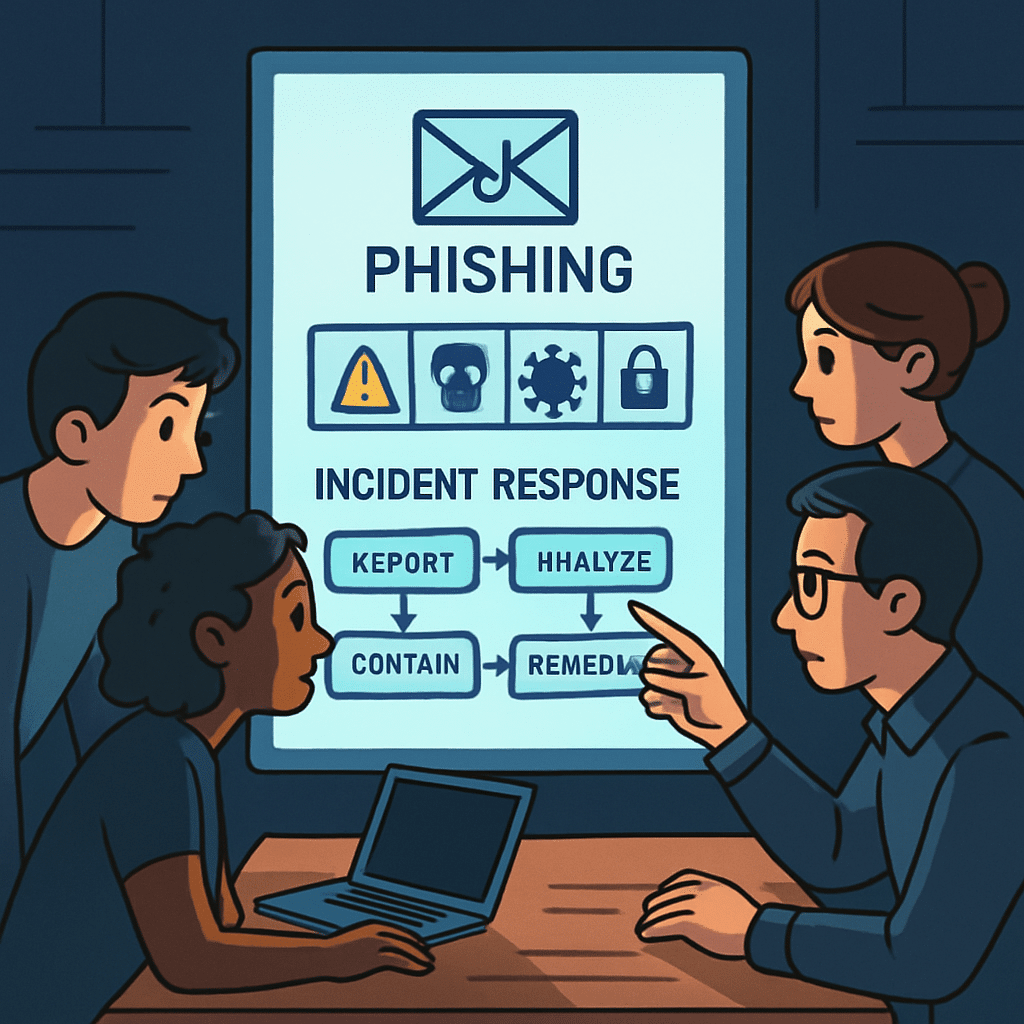
Phishing remains the most common way attackers slip past defenses, and small teams feel the impact most. When a suspicious email lands or a user clicks the wrong link, minutes matter. A clear, lightweight response plan can turn chaos into a controlled routine.
This guide lays out practical, repeatable steps your small team can run under pressure—from triage to containment, remediation, and recovery. You’ll get templates, checklists, and tools to help you respond fast without burning out.
Table of Contents
- Understanding Phishing Today
- The First 15 Minutes: Triage and Decision
- Contain the Threat Quickly
- Collect and Preserve Evidence
- Communicate with Users and Stakeholders
- Eradication and Remediation
- Recovery and Continuous Monitoring
- Lessons Learned and Root Cause
- Build a Lightweight Playbook
- Training and Prevention for Small Teams
- Essential Tools and Templates
- Metrics That Matter
- Working with External Partners
- Common Pitfalls to Avoid
- Conclusion
- Frequently Asked Questions
Understanding Phishing Today
Phishing covers a spectrum of tactics that trick people into sharing credentials, downloading malware, or authorizing malicious apps. Attackers rely on timing, trust, and urgency more than technical prowess. That’s why a clear response plan is one of your strongest defenses.
Phishing attempts often look legitimate and can bypass filters. Assume some will get through. Your goal is to spot incidents early, contain them fast, and reduce blast radius.
- Commodity phishing: Mass emails with generic lures and fake login pages.
- Spear phishing: Targeted messages referencing real names, roles, or projects.
- Business email compromise (BEC): Impersonation of executives or vendors to request payments or data.
- OAuth consent phishing: Users tricked into granting malicious apps access to mail or files—often persisting beyond password resets.
- Smishing/vishing: SMS or phone-based phishing that pressures rapid action.

The First 15 Minutes: Triage and Decision
The first quarter-hour sets the tone. Move from uncertainty to a documented decision: is this a suspected phishing incident, and what is the severity?
Verify the report
- Ask for the original message headers or have the reporter use a “Report phishing” button if available.
- Open links only in a safe analysis environment (never from a production device).
- Check sender domain, reply-to, and look-alike domains (e.g., examp1e.com vs example.com).
Assess scope
- Search your mail system for the same subject, sender, or URL to estimate how many users received it.
- Scan for user clicks using proxy, DNS, EDR, or email telemetry if available.
- Look for suspicious OAuth consent events or newly created forwarding rules.
Decide severity and open a ticket
- Low: Obvious spam, no clicks, limited distribution.
- Medium: Credible lure, some clicks, no account compromise observed.
- High: Confirmed credential theft, mailbox rule creation, OAuth grant, or data exfiltration.
Create or update the incident ticket with a single-sentence situation statement, current scope, and the next 3 actions. Clarity beats perfection.
Contain the Threat Quickly
Containment limits damage and buys time for deeper investigation. Prioritize actions that reduce attacker access without destroying evidence.
High-impact, low-friction actions
- Block: Add sender domains, URLs, or file hashes to your email and web filters.
- Quarantine: Recall or move matching emails to quarantine across all mailboxes.
- Cut sessions: Invalidate active sessions for suspected accounts; force sign-out.
- Disable forwarding: Remove auto-forward rules and third-party inbox rules.
- Isolate endpoints: If malware suspected, network-isolate affected devices via EDR/MDM.
Time-bound containment
- Set a 60–90 minute window for initial containment tasks, then reassess.
- Document each action in the ticket: who, what, when, and the observable effect.
Collect and Preserve Evidence
Evidence supports decisions, enables learning, and is essential if legal or regulatory reporting is required. Capture enough to explain what happened without overwhelming the team.
What to capture
- Email artifacts: Original message with headers, attachments, phishing URLs, screenshots.
- Authentication logs: Sign-in attempts, MFA prompts/denials, IPs, device identifiers.
- Mailbox changes: Forwarding rules, inbox rules, OAuth app consents, delegate access.
- Endpoint data: Process tree, downloaded files, browser extensions, persistence mechanisms.
- Timeline: First report, first click, containment start/finish, remediation steps.
How to handle it
- Store evidence in a dedicated, access-controlled case folder.
- Use immutable storage or read-only exports when possible.
- Label sensitive data and minimize unnecessary copies.
Tip: Preserve first, then remediate. Avoid deleting or wiping until you’ve captured key indicators.
Communicate with Users and Stakeholders
Clear communication reduces panic and accelerates containment. Keep messages short, specific, and action-oriented.
Notify potentially affected users
- Subject: Action needed: Possible phishing message
- We detected a suspicious email that may have reached your inbox. If you interacted with it, do not provide any information and stop using affected accounts.
- Please do now: 1) Do not click further links. 2) Report the message using the “Report phishing” button or forward to security@company. 3) If you entered credentials, wait for our password reset instructions.
Internal updates
- Exec summary (chat/email): “Phishing incident affecting ~23 mailboxes. 4 reported clicks, no confirmed data loss. Containment in progress: domain blocked, email quarantined, sessions revoked for 3 users. Next update in 60 minutes.”
- Set expectations and a cadence for updates (e.g., hourly until contained, then daily).
Use respectful language. Never shame users for reporting late or clicking—future reporting depends on trust.
Eradication and Remediation
Once contained, remove the attacker’s footholds and close gaps that enabled the incident.
Accounts and access
- Reset passwords for affected users and enforce MFA on next sign-in.
- Revoke refresh tokens and kill active sessions across devices.
- Remove unauthorized OAuth app grants and review application permissions.
- Check and clean inbox rules, forwarding addresses, and delegates.
Endpoints and email
- Quarantine and analyze downloaded files; remove persistence.
- Update EDR, AV signatures, and block IOCs (domains, URLs, hashes).
- Harden mail filters; add warning banners for external senders if not already enabled.
Confirm that all known indicators are neutralized before moving to recovery.
Recovery and Continuous Monitoring
Recovery restores normal operations while you keep watch for late-stage signs of compromise.
Restore safely
- Re-enable accounts and network access incrementally.
- Unblock necessary domains or services that were temporarily restricted, with justification.
- Validate critical workflows (billing, payroll, vendor comms) for integrity.
Monitor for recurrence
- Alert on new mailbox forwarding rules or mass OAuth consents.
- Watch for repeat logins from suspicious IP ranges or impossible travel.
- Track reappearance of blocked domains/URLs and similar lures.
Plan a 7–14 day “heightened monitoring” period post-incident.
Lessons Learned and Root Cause
Small teams grow strongest by learning quickly. Hold a short, blameless review within a week.
- Five Whys: Ask why repeatedly to reach process or control gaps, not human fault.
- What detection worked? What was late or noisy?
- Which steps were manual or slowed by approvals?
- What one change would have prevented or limited impact?
Turn insights into one or two specific improvements. Scope small, ship fast.
Build a Lightweight Playbook
A one-page playbook enables consistent, fast action—even when only one responder is available.
One-page playbook structure
- Trigger: What starts the play (e.g., user report or alert rule).
- Roles: Primary responder, comms lead, on-call backup.
- Checklist (0–60 min): Triage, search scope, quarantine, block, cut sessions.
- Checklist (60–180 min): Evidence capture, resets, rule cleanup, initial comms.
- Escalation: Criteria for high severity and when to involve leadership or legal.
- Templates: User notice, exec update, vendor takedown request.
Automate the boring parts
- Abuse/report mailbox that auto-opens a ticket and attaches headers.
- Mail flow rules to auto-quarantine messages matching IOCs.
- Scripts to revoke sessions, enumerate inbox rules, and remove known-bad OAuth grants.
Start small: Automate the single step that consumes the most time each incident.
Training and Prevention for Small Teams
Prevention multiplies your response capacity. Focus on high-leverage controls and habits.
- MFA everywhere: Prioritize admin, finance, and remote access accounts.
- Email authentication: Enforce SPF, DKIM, and DMARC with a plan to move to enforcement.
- Security nudges: Add external sender banners and preview link domains.
- Micro-trainings: 3–5 minute modules quarterly; teach “pause, verify, report.”
- Phishing simulations: Calibrate for learning, not punishment; track improvement over time.
Make reporting effortless and celebrated. A fast report is often the difference between a scare and a breach.
Essential Tools and Templates
You don’t need an enterprise stack to respond well. A focused toolkit plus a few templates goes far.
Low-lift tools
- Email header analyzer and URL sandbox (open safely from an isolated VM).
- EDR or AV with isolation capability on endpoints.
- Centralized logging for sign-ins and email events (even basic is better than none).
- Ticketing system with incident fields and checklists.
Handy templates
- Slack/Teams update: “Phishing incident active. Scope: N mailboxes. Actions underway: quarantine, blocks, session revocations. Next update at HH:MM.”
- Takedown request to host/registrar: “We identified a phishing site at [URL] impersonating [Brand]. Evidence attached (screenshots, headers). Please remove urgently.”
- User confirmation after reset: “Your account has been secured. If you notice unusual activity or receive unexpected MFA prompts, report immediately to security@company.”
Metrics That Matter
Measure what improves your speed and reduces impact. Keep metrics lightweight and actionable.
- MTTD: Mean time to detection from first delivery to first report/alert.
- MTTC/MTTR: Time to contain and time to remediate (sessions cut, rules removed).
- Reporting rate: Percentage of recipients who reported the phish.
- Click rate: Percentage of recipients who clicked; trend direction matters more than a single number.
- Repeat offenders: Accounts/devices repeatedly affected; use for targeted coaching.
Share a short monthly summary highlighting trends and one process win.
Working with External Partners
Even small teams can scale by leaning on partners.
- Vendors: Ask email, EDR, and identity providers for incident playbooks and emergency guidance.
- Hosting/registrars: Submit prompt takedown requests with clear evidence.
- Peers/ISACs: Share indicators and patterns; today’s intel can prevent tomorrow’s incident.
- Law enforcement: For financial loss or sensitive data theft, document and report per local guidance.
Common Pitfalls to Avoid
- Shaming users: Kills future reporting and slows detection.
- Over-deleting early: Destroys evidence needed for scoping and lessons learned.
- One-size-fits-all resets: Blanket resets waste time; target based on evidence and risk.
- Silence during incidents: Lack of updates creates confusion; set and keep a cadence.
- Ignoring OAuth grants: Password resets won’t remove malicious app access.
Conclusion
Phishing is relentless, but your response doesn’t have to be complicated. With a crisp triage routine, time-boxed containment, focused remediation, and a one-page playbook, small teams can respond quickly and confidently.
Start by writing your first playbook page, enabling easy reporting, and automating one repetitive task. Small, steady improvements compound into real resilience.
Frequently Asked Questions
What should we do if a user entered their password on a phishing site?
Immediately revoke sessions, reset the password, and enforce MFA. Check for new inbox rules, forwarding, and OAuth app consents. Monitor sign-ins for unusual activity for at least two weeks.
Is it safe to click phishing links to analyze them?
Only in an isolated environment (sandbox/VM) and never from a production device. Prefer URL detonation tools or open the raw URL in a text viewer rather than a browser.
When should we involve leadership or legal?
Escalate if there’s confirmed account compromise, suspected data exposure, financial risk, or if external notifications may be required. Use your playbook’s severity criteria.
How do we prioritize when we have limited time?
Time-box work. First 60–90 minutes: quarantine, block, cut sessions, capture core evidence, and send user guidance. Then iterate with remediation and monitoring.
Leave a Reply