
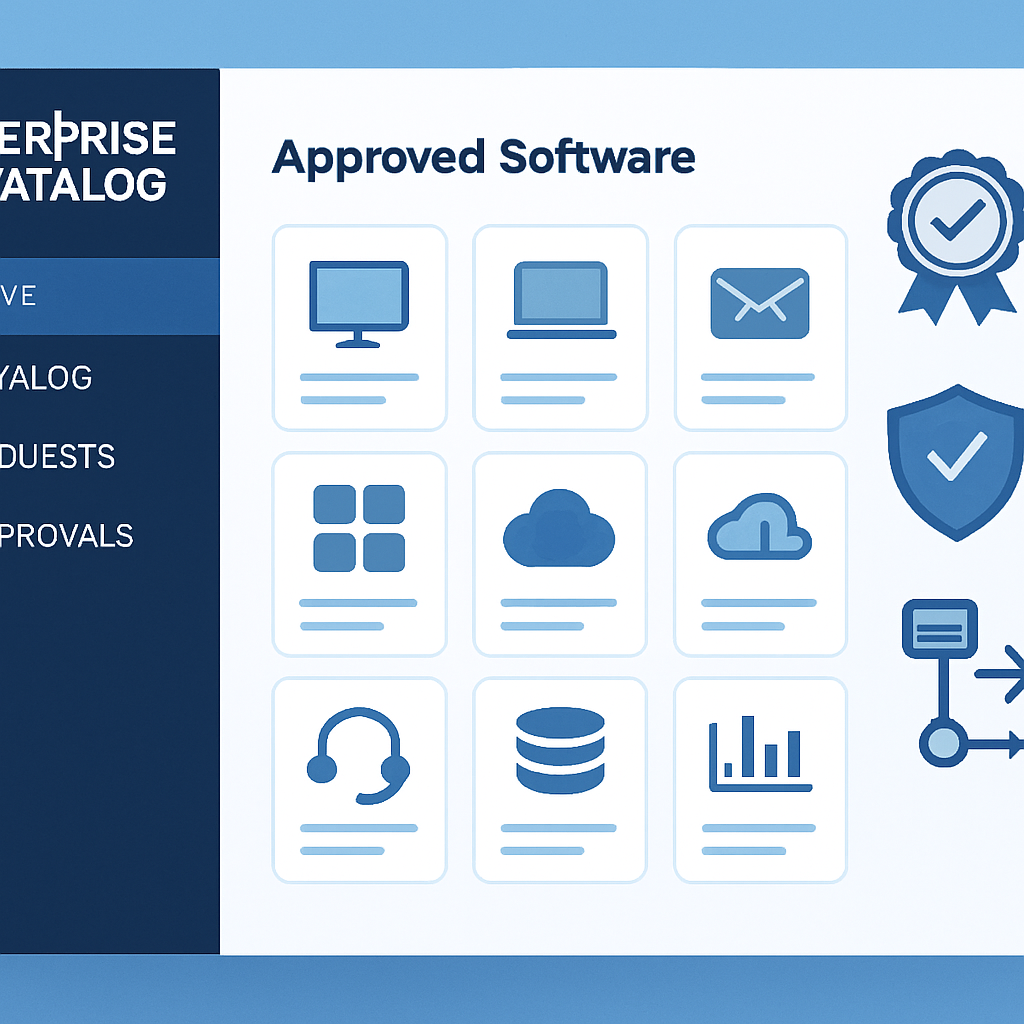
Uncontrolled software sprawl and ad-hoc purchases drain budgets, invite security risk, and frustrate employees. A sanctioned IT catalog turns that chaos into a curated, transparent menu of approved technology and services. Done well, it accelerates delivery, reduces risk, and improves the employee experience without stifling innovation.
This guide explains what a sanctioned IT catalog is, how to design and implement one, and the common pitfalls to avoid. Whether you are modernizing an IT service catalog or starting from scratch, you will find practical steps and patterns you can apply immediately.
Table of Contents
- What Is a Sanctioned IT Catalog?
- Why It Matters: Benefits for the Business
- Governance Foundations: Policies and Ownership
- Designing the Catalog: Structure and Taxonomy
- Technology Choices and Integration
- Implementation Roadmap
- Adoption and Change Management
- Security, Compliance, and Risk Controls
- Metrics and Continuous Improvement
- Common Pitfalls and How to Avoid Them
- Real-World Examples and Use Cases
- Conclusion
- Frequently Asked Questions
What Is a Sanctioned IT Catalog?
A sanctioned IT catalog is a centrally governed list of approved technology products and services, complete with pricing, policies, and automated request workflows. Think of it as the enterprise app store and service menu for hardware, software, access, and support.
Unlike a simple inventory, a sanctioned catalog is purposeful. Each item is vetted, secured, supportable, and mapped to business outcomes. It balances freedom of choice with necessary guardrails. Employees know what they can request, what it costs, and how long it will take. IT knows items are compliant and maintainable.
What it includes
- Standard hardware and peripheral bundles
- Approved SaaS and on-prem applications
- Data and system access packages
- Environment and infrastructure services
- Support, training, and enablement services
Why It Matters: Benefits for the Business
A sanctioned catalog delivers value for employees, IT, finance, and risk stakeholders. It creates clarity and consistency in how technology is requested and delivered.
Key benefits
- Reduced shadow IT: Fewer unsanctioned purchases and data leaks.
- Faster delivery: Pre-approved options with automated fulfillment.
- Cost transparency: Standard pricing and chargeback/showback.
- Better employee experience: Clear choices, predictable timelines, and self-service.
- Risk reduction: Consistent licensing, security reviews, and audit trails.
- Scalability: Reusable building blocks, not bespoke one-offs.
Governance Foundations: Policies and Ownership
Governance makes the catalog trustworthy. Without it, items become stale and exceptions multiply. Define clear roles and decision rights before you publish a single item.
Assign ownership and decision rights
- Service owner: Accountable for lifecycle, pricing, SLAs, and roadmap.
- Technical owner: Maintains integration, security posture, and support.
- Risk and compliance: Approves controls and monitors adherence.
- Finance partner: Validates cost models and chargeback/showback rules.
Document guiding policies
- Eligibility and entitlement rules (roles, locations, job functions).
- Approval thresholds and delegation of authority.
- Vendor review cadence and license management expectations.
- Data protection and usage standards aligned to regulations.
Establish a lightweight exception and waiver process. Exceptions should be rare, time-bound, and tracked so they do not become the norm.
Designing the Catalog: Structure and Taxonomy
Good design lowers cognitive load and accelerates requests. A well-structured catalog lets people find what they need in seconds, not minutes.
Start with inventory and rationalization
- List current services, apps, and hardware in use.
- Map duplicates and overlapping tools.
- Standardize on best-fit options; mark others for deprecation.
Define a simple taxonomy
- Top-level categories: Hardware, Software, Access, Infrastructure, Support.
- Use plain language labels; avoid internal jargon.
- Group by outcomes (e.g., “Design Tools”), not vendors.
Productize each item
- Clear description: What it is, when to use it, alternatives.
- Eligibility: Who can request it and prerequisites.
- Pricing: One-time and recurring costs; cost center mapping.
- Delivery: Expected lead time and fulfillment steps.
- Support: SLAs, contact options, and self-help links.
Design request flows
- Minimal required fields; collect only what is needed to fulfill.
- Dynamic forms: Show additional fields only when relevant.
- Automate approvals for low-risk, pre-approved items.
- Route complex items to appropriate reviewers and queues.
Technology Choices and Integration
Your IT service management (ITSM) platform is the backbone, but the catalog lives across systems. Integration makes it seamless.
Core components
- ITSM/portal: The user-facing catalog and fulfillment workflows.
- Identity and access management (SSO/IAM): Entitlements and provisioning.
- CMDB/asset: Track configuration, ownership, and lifecycle.
- Procurement/ERP: Purchasing, vendor management, and invoicing.
- Automation/orchestration: API-driven fulfillment for speed and accuracy.
Integration patterns
- SCIM/LDAP for user and group-based eligibility.
- Webhooks and event-driven updates for status and notifications.
- License counters and seat pools to prevent over-allocation.
- Catalog-as-code for version control and repeatable deployments.
Implementation Roadmap
Approach implementation in phases to learn fast and minimize disruption. Deliver value early, then iterate.
Phase 1: Discover and design
- Interview stakeholders; identify top 10 high-demand items.
- Define taxonomy, policies, and ownership for those items.
- Create mockups and gather feedback from a pilot group.
Phase 2: Pilot and automate
- Launch to a limited audience (one department or region).
- Automate low-risk approvals and fulfillment steps.
- Measure adoption, cycle time, and satisfaction.
Phase 3: Expand and standardize
- Add more items; deprecate overlapping tools with clear timelines.
- Publish service-level targets and cost transparency dashboards.
- Integrate with procurement and license management.
Phase 4: Optimize and govern
- Quarterly review of catalog content, pricing, and SLAs.
- Fine-tune automation; remove manual steps where safe.
- Introduce feedback-driven enhancements and A/B tests.
Adoption and Change Management
Even the best catalog fails without adoption. Treat launch as a product rollout, not a backend IT change.
Drive awareness and trust
- Clear messaging: Why the catalog exists and how it helps employees.
- Quick-start guides and 2-minute walkthrough videos.
- Internal champions in each business unit; office hours and Q&A.
Align incentives
- Make sanctioned requests faster than alternative paths.
- Retire legacy email/spreadsheet requests with a sunset plan.
- Recognize teams that adopt standard bundles and processes.
Security, Compliance, and Risk Controls
A catalog is an opportunity to bake in security by default. Standard items mean standard controls and better auditability.
Principles and guardrails
- Least privilege by design: Access packages map to job roles.
- Data classification prompts: Capture sensitivity to drive controls.
- Approval tiers tied to risk and spend thresholds.
- Automated logging for requests, approvals, and changes.
Compliance checks
- Vendor due diligence and security reviews on a set cadence.
- License compliance with automated reconciliation.
- Retention policies for request and fulfillment records.
Security should enable, not block. Use pre-approved patterns so most requests flow without manual review while still meeting control objectives.
Metrics and Continuous Improvement
Measure what matters. Metrics show whether the catalog is delivering on its promise and where to improve.
Core KPIs
- Adoption rate: Percentage of tech requests placed through the catalog.
- Cycle time: Request-to-fulfillment duration by item category.
- First-contact resolution and rework rates.
- Customer satisfaction (CSAT) and net promoter score (NPS).
- Policy exception rate and audit findings.
- Cost per request and license utilization.
Feedback loops
- Post-fulfillment surveys with one open comment question.
- Quarterly business reviews with service owners.
- Usage analytics to prune stale or low-value items.
Common Pitfalls and How to Avoid Them
Most catalog failures trace back to a handful of avoidable mistakes. Recognize them early and set safeguards.
Pitfall 1: Too many choices
Endless options slow decisions and increase support burden. Consolidate to a small set of standard offerings and provide an “Other” path with guardrails for true exceptions.
Pitfall 2: Static content
Unmaintained catalogs lose credibility quickly. Set review cadences, automate expiration alerts, and require owners to re-certify items quarterly.
Pitfall 3: Weak ownership
Without accountable owners, items drift on cost, quality, and relevance. Publish ownership in the item details and make it visible in reports.
Pitfall 4: Ignoring finance
Hidden costs create surprises later. Partner with finance to define cost models, recovery mechanisms, and budget impacts before launch.
Pitfall 5: No integrations
Manual handoffs kill speed and introduce errors. Integrate with identity, asset, procurement, and automation platforms to close the loop.
Pitfall 6: Over-automation
Automate what is stable and low-risk first. Keep manual checkpoints for high-risk scenarios until data shows it is safe to streamline.
Pitfall 7: Neglecting documentation
Users need context to pick the right option. Include use cases, limits, and alternatives in every item description to reduce back-and-forth.
Real-World Examples and Use Cases
Practical patterns accelerate time-to-value. These examples show how a sanctioned catalog streamlines common needs.
Day 1 new hire bundle
- Pre-defined hardware based on role and region.
- Auto-provisioned accounts and groups via IAM.
- Welcome email with setup steps and training links.
SaaS application with tiered access
- Item offers Viewer, Contributor, and Admin tiers with pricing.
- Manager approval for Contributor; data owner approval for Admin.
- Seat pool enforcement and auto-reclaim after inactivity.
Temporary project environment
- Template-based environments with cost estimates.
- Time-bound access and automated teardown dates.
- Tagging for cost allocation and compliance reporting.
Remote worker hardware refresh
- Eligibility based on device age and warranty status.
- Self-service scheduling with courier options.
- Secure wipe certification uploaded to the ticket.
Conclusion
A sanctioned IT catalog is more than a list; it is a governance-backed product that blends speed, safety, and clarity. Start with a small set of high-value items, assign accountable owners, and integrate with identity, asset, procurement, and automation systems.
Measure adoption, cycle time, and satisfaction to guide continuous improvement. With disciplined design and pragmatic guardrails, you will reduce shadow IT, control costs, and deliver a smoother employee experience.
Frequently Asked Questions
How is a sanctioned IT catalog different from an IT service catalog?
They often overlap. A sanctioned catalog emphasizes approved, supportable options with clear governance and pricing. An IT service catalog may be broader but not always governed or standardized.
What size organization needs a sanctioned catalog?
Any organization experiencing tool sprawl, slow fulfillment, or audit findings benefits. Even small teams gain from standard bundles and automated approvals.
How long does implementation take?
Initial value can be delivered in 8–12 weeks with a focused pilot. Full rollout and integration across domains typically takes 6–12 months, depending on scope.
Do we need new tools to start?
Not necessarily. Many organizations begin with existing ITSM portals and incrementally add identity, asset, and automation integrations as they scale.
Leave a Reply