
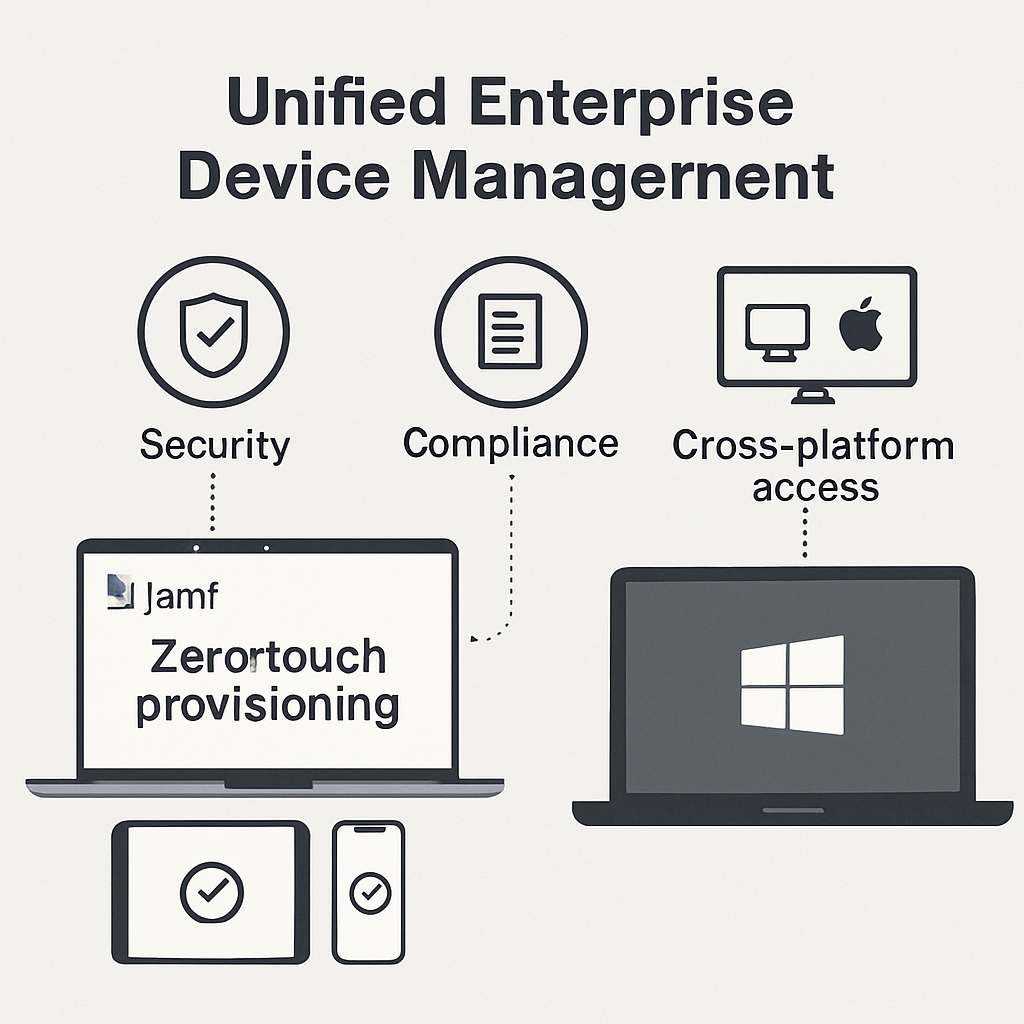
Modern organizations rarely live in a single-OS world. Most support a mix of Windows, macOS, iOS, iPadOS, and Android. That reality has pushed many IT teams to pair Microsoft Intune for unified endpoint management and identity-driven access with Jamf for deep Apple management. The result, when done right, is a secure, scalable approach that respects Apple user experience while meeting enterprise security and compliance goals. Below are real-world case studies and repeatable patterns that show how companies succeed with Intune and Jamf together.
Table of Contents
- Why Intune and Jamf Work Better Together
- Case Study: Retail Chain Modernizes Store Devices
- Case Study: Healthcare System Balances Security and Care
- Case Study: SaaS Startup Scales Securely, Fast
- Case Study: University Streamlines BYOD and Labs
- Implementation Patterns and Reference Architecture
- Metrics and ROI You Can Expect
- Lessons Learned and Best Practices
- Getting Started Checklist
- Conclusion
- Frequently Asked Questions
Why Intune and Jamf Work Better Together
Intune delivers identity-centric management, compliance, and Conditional Access through Microsoft Entra ID, plus broad device coverage across platforms. Jamf specializes in Apple, going deep on macOS and iOS/iPadOS with automated device enrollment, application lifecycle, scripting, and a polished user experience.
Many organizations pair them to get the best of both worlds:
- Use Jamf for Apple-first experience: Automated Device Enrollment via Apple Business Manager, zero-touch provisioning, Self Service, fine-grained macOS controls, and native Apple update workflows.
- Use Intune for unified compliance and access: Centralized policies, Conditional Access, and reporting across Windows, Apple, and mobile platforms.
- Bridge the two: Jamf device compliance integration with Intune ensures only healthy Macs access corporate resources protected by Conditional Access.
The following case studies synthesize real implementations to show how this pairing works in practice.
Case Study: Retail Chain Modernizes Store Devices
Profile
A multi-brand retailer with 1,200 stores needed to modernize point-of-sale iPads, back-office Windows PCs, and regional field laptops. Prior deployments were image-based and manual, slowing seasonal hiring and increasing support tickets.
Challenges
- Rapid, seasonal onboarding without onsite IT.
- Kiosk mode for iPads with resilient offline behavior.
- Consistent compliance and access controls for retail staff and field teams.
Solution Architecture
- Jamf for Apple: Automated Device Enrollment via Apple Business Manager, single-app mode for POS iPads, managed app configurations, and Self Service for store managers.
- Intune for Windows and Android: Policy baselines, application deployment, and update rings for laptops and scanners.
- Compliance bridge: Jamf Pro-to-Intune device compliance integration allowed macOS devices to be evaluated by Intune Conditional Access policies.
- Security controls: Microsoft Defender for Endpoint deployed to macOS via Jamf; threat signals informed Conditional Access decisions.
Results
- Onboarding time for store iPads dropped from days to under one hour, powered by zero-touch provisioning.
- Help desk tickets related to POS configuration fell by 35% thanks to standardized profiles and Self Service remediation workflows.
- Patch compliance for macOS increased to 95% within seven days of release, driven by Jamf policies and user-friendly prompts.
- Conditional Access blocked non-compliant devices automatically, reducing unauthorized access without manual intervention.
Case Study: Healthcare System Balances Security and Care
Profile
A 10-hospital healthcare system supports clinicians on iPadOS, administrative staff on Windows, and research teams on macOS. The organization required strong data protection and a smooth experience for clinical staff.
Challenges
- Protecting patient data across shared and personally assigned devices.
- Controlling access to Microsoft 365 and clinical apps based on device health.
- Reducing IT touch while meeting regulatory expectations.
Solution Architecture
- Jamf for Apple: Automated enrollment, role-based configuration profiles, and secure app distribution for EHR companions and clinical toolkits.
- Jamf Connect for modern authentication to Microsoft Entra ID on macOS, simplifying password management and enabling SSO.
- Intune as the compliance and access hub: Conditional Access required devices to be compliant or have acceptable risk score before accessing Microsoft 365 and clinical portals.
- Defender for Endpoint for macOS deployed with Jamf and Windows managed via Intune. Risk signals contributed to Conditional Access decisions.
Results
- New clinician iPads were ready in minutes, configured with department-specific apps and restrictions automatically.
- Security posture improved, with non-compliant devices quarantined from sensitive resources until remediated through guided Self Service steps.
- Audit readiness increased, supported by centralized reporting of device health, patch status, and access logs.
Case Study: SaaS Startup Scales Securely, Fast
Profile
A fast-growing SaaS startup with a globally distributed workforce chose a Mac-first approach for engineering and design, with sales teams on a mix of Mac and Windows. The company aimed to minimize friction while meeting customer security expectations.
Challenges
- Rapid onboarding for remote hires across time zones.
- Standardizing developer toolchains on macOS without sacrificing flexibility.
- Proving strong controls to enterprise customers during security reviews.
Solution Architecture
- Zero-touch procurement: Apple Business Manager plus Jamf for automated Mac setup with preapproved apps, dotfile management, and scripts.
- Intune for Windows and mobile devices, applying baseline policies and application protection policies for BYOD scenarios.
- Conditional Access required compliant devices or approved app + strong MFA for access to source control, email, and internal tools.
- Jamf Self Service provided optional development stacks while keeping base images lean.
Results
- Onboarding time dropped from two days to under two hours, including security tooling and SSO setup.
- Customer security questionnaires were answered confidently with documented policies, controls, and automated compliance evidence.
- Employee satisfaction improved thanks to minimal manual steps and a curated app catalog.
Case Study: University Streamlines BYOD and Labs
Profile
An urban university supports faculty and staff on a mix of Mac and Windows, with specialty Mac labs for media programs and a large community of student BYOD devices accessing Microsoft 365.
Challenges
- Maintaining lab Macs with predictable software versions and settings between classes.
- Allowing student BYOD access to campus resources without exposing sensitive systems.
- Reducing hands-on reimaging at semester turnover.
Solution Architecture
- Jamf for lab Macs: Policy-driven reversion of settings between sessions, automated app updates, and Self Service for faculty-approved tools.
- Intune for Conditional Access to Microsoft 365 and academic portals; macOS compliance signals flowed from Jamf to Intune.
- Application protection policies ensured data remained in managed contexts on personal devices.
Results
- Lab turnaround time between classes shortened significantly due to automated resets and app caching.
- BYOD access became safer, with students granted access based on device compliance or app protection enforcement.
- IT staff reclaimed dozens of hours per week previously spent on reimaging.
Implementation Patterns and Reference Architecture
Identity and Access as the Foundation
- Use Microsoft Entra ID as the identity backbone with Conditional Access policies that factor device compliance and risk.
- Enable Jamf Pro device compliance integration so macOS devices managed by Jamf register with Intune and report compliance state.
- Adopt Jamf Connect for streamlined Mac login and SSO to Entra ID where appropriate.
Enrollment and Provisioning
- Automated Device Enrollment via Apple Business Manager for Apple hardware; Windows Autopilot for Windows devices.
- Define role-based profiles and app sets in Jamf and Intune to keep provisioning fast and consistent.
- Leverage volume purchasing for Apple apps and line-of-business deployment via Jamf; use Intune for Windows app lifecycle.
Security and Compliance
- Deploy Microsoft Defender for Endpoint to macOS using Jamf policies; integrate risk signals with Conditional Access.
- Use Intune compliance policies to require encryption, password standards, and OS version minimums across platforms.
- Create Jamf Smart Groups that map to compliance states and trigger remediation or update workflows.
Updates and Remediation
- Standardize macOS updates via Jamf with user-friendly deferrals and clear deadlines.
- Manage Windows updates with Intune update rings and monitor compliance via reports.
- Offer Self Service to empower users to fix common issues, reducing support volume.
Metrics and ROI You Can Expect
Organizations that pair Intune and Jamf typically track a common set of KPIs. While results vary, the following are representative outcomes:
- Onboarding time: 50–80% faster through automated enrollment and app delivery.
- Patch compliance: macOS and iOS updates within 7–14 days; Windows updates aligned to structured rings.
- Help desk volume: 20–40% fewer tickets tied to setup, app installs, and configuration drift due to Self Service and consistent policies.
- Access control: Reduced unauthorized access via Conditional Access that blocks non-compliant or risky devices automatically.
- Audit readiness: Central reporting of device health and access events shortens audit cycles and cuts manual evidence gathering.
Tip: Establish a baseline before rollout. Measure time-to-ready for new devices, percentage of devices on current OS versions, and the number of Conditional Access blocks versus successful remediations.
Lessons Learned and Best Practices
- Lead with identity. Design Conditional Access policies early. Confirm how Jamf compliance will register to Intune and test edge cases.
- Pilot by persona. Start with 20–50 devices across different roles. Iterate on profiles and app sets before broad deployment.
- Keep zero-touch sacred. Avoid manual steps that break automation. If a step must be manual, document it and aim to automate next iteration.
- Communicate with users. Short, clear emails or in-app messages set expectations for updates, downtime, and Self Service options.
- Standardize naming and scoping. Consistent device naming and group scoping reduce policy collisions and simplify troubleshooting.
- Align security and IT operations. Weekly standups between device, identity, and security owners prevent drift and policy conflicts.
Getting Started Checklist
- Define goals and KPIs: onboarding time, patch SLAs, compliance thresholds, and access requirements.
- Set up Apple Business Manager and connect it to Jamf; verify Automated Device Enrollment.
- Integrate Jamf Pro with Intune for macOS compliance; validate device registration flows.
- Design Conditional Access with clear conditions and user-friendly remediation paths.
- Create role-based configuration profiles and app catalogs in Jamf (Apple) and Intune (Windows/Android).
- Package and deploy security tooling (for example, Defender for Endpoint) and confirm signal flow to access policies.
- Pilot with a cross-functional cohort; collect feedback and refine.
- Roll out in waves, monitor dashboards, and publish Self Service guides for common tasks.
Conclusion
Pairing Intune and Jamf lets organizations manage a heterogeneous device fleet without compromising experience or security. Intune centralizes compliance and access across platforms, while Jamf delivers deep, native Apple management with zero-touch provisioning and user-friendly remediation. The case studies above show that when these tools are aligned with identity, automation, and clear KPIs, the result is faster onboarding, stronger security, and happier users.
Next step: Start a small pilot that mirrors your production personas. Measure relentlessly, iterate quickly, and scale the patterns that work.
Frequently Asked Questions
Do I need both Intune and Jamf to manage Macs?
No, you can manage Macs with either tool. Many organizations choose Jamf for deeper macOS/iOS capabilities and pair it with Intune to unify compliance and Conditional Access.
How does Jamf share compliance with Intune?
Through a built-in integration, Jamf-managed Macs register with Intune and report compliance state. Intune then uses that state in Conditional Access decisions.
Can I deploy Microsoft Defender for Endpoint with Jamf?
Yes. Many teams use Jamf policies to deploy and configure Defender for Endpoint on macOS, feeding risk signals into Intune and Conditional Access.
What is the fastest way to start?
Enable Apple Business Manager, connect Jamf, set up Jamf-Intune compliance integration, and pilot with a small, cross-functional group. Validate enrollment, app delivery, and access policies before scaling.
Leave a Reply