
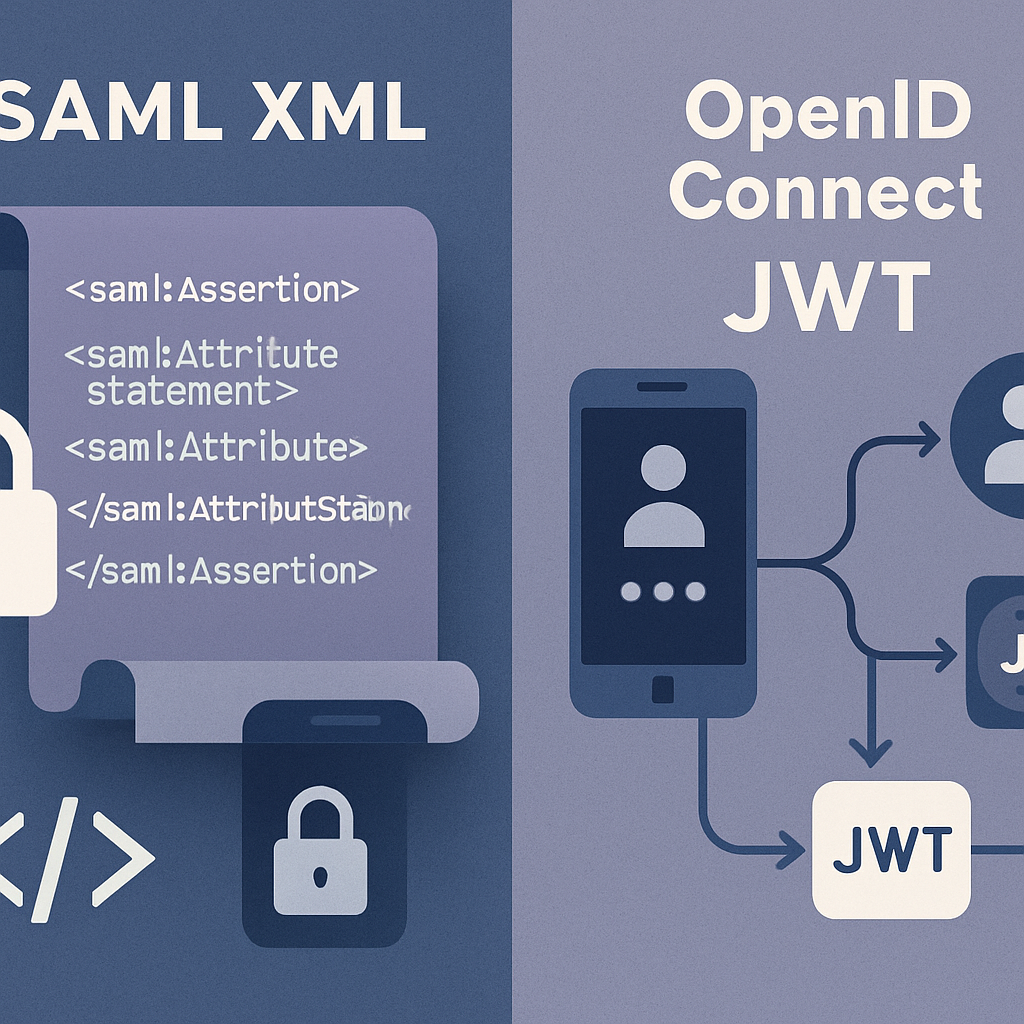
Identity and access management is evolving fast. Where Security Assertion Markup Language (SAML) once powered most enterprise single sign-on, OpenID Connect (OIDC) has emerged as the modern, developer-friendly standard for web, mobile, and API-driven applications. If you’re planning to modernize, this practical guide will help you move from SAML to OIDC with less risk and more confidence.
In the next sections, you’ll learn what changes when you migrate, how to plan a safe rollout, the security nuances to get right, and the checklists that keep teams aligned. Whether you’re starting with a pilot app or replatforming an entire portfolio, you’ll find a clear path forward here.
Table of Contents
- What Is SAML?
- What Is OpenID Connect (OIDC)?
- Why Migrate from SAML to OIDC
- Key Differences at a Glance
- A Sensible Migration Strategy
- Inventory and Assessment
- Design the Target Architecture
- Identity and Claims Mapping
- Step-by-Step Migration Plan
- Security Considerations and Pitfalls
- Testing, Rollout, and Monitoring
- Hybrid Coexistence During Transition
- Updating Different App Types
- Governance, Compliance, and Change Management
- Tools and Practical Checklists
- Conclusion
- Frequently Asked Questions
What Is SAML?
SAML is an XML-based standard for exchanging authentication and authorization data between an identity provider (IdP) and a service provider (SP). It powers single sign-on by having the IdP issue an assertion that the user has authenticated. The application (SP) trusts that assertion and creates a local session.
SAML has served enterprises well, especially for browser-based apps and B2B federations. However, its XML signatures, redirect bindings, and limited mobile support can be cumbersome for modern architectures.
What Is OpenID Connect (OIDC)?
OIDC is an identity layer on top of OAuth 2.0. It standardizes how clients obtain and validate an ID token (usually a JSON Web Token, or JWT) that asserts the user’s identity and claims. OIDC embraces JSON, RESTful discovery, and modern flows like Authorization Code with PKCE.
Built for today’s web, SPA, and mobile apps, OIDC offers better developer ergonomics, lighter payloads, and a clean separation between user identity (ID token) and API authorization (access token).
Why Migrate from SAML to OIDC
Migrating is not just a tech refresh. It’s an opportunity to simplify your auth stack, improve user experience, and strengthen security posture.
- Developer velocity: JSON, discovery endpoints, and robust SDKs reduce integration friction.
- Modern UX: Optimized for mobile and single-page apps; better support for progressive security like step-up MFA.
- Security improvements: PKCE, token rotation, fine-grained scopes, and standardized validation flows.
- API-first: Clean separation of identity and authorization for microservices and APIs.
- Operational simplicity: Easier automation, dynamic client registration, and manageable keys (JWKS).
Key Differences at a Glance
- Token format: SAML uses XML assertions; OIDC uses JWT ID tokens.
- Transport: SAML often uses browser redirects and POST bindings; OIDC uses OAuth 2.0 authorization flows and REST endpoints.
- Discovery: SAML metadata files vs. OIDC discovery at /.well-known/openid-configuration.
- Client trust: SAML SP metadata exchange vs. OIDC client registrations with secrets, keys, and redirect URIs.
- Logout: SAML Single Logout vs. OIDC front-channel/back-channel/logout token options.
- Claims model: SAML attributes vs. OIDC claims and OAuth scopes.
A Sensible Migration Strategy
Successful migrations are iterative. Start small, learn fast, and minimize blast radius.
- Pilot a non-critical app to validate flows, claims, and tooling.
- Run SAML and OIDC in parallel with a federation bridge where needed.
- Migrate app-by-app, prioritizing those that benefit most (SPAs/mobile/APIs).
- Use canary releases and phased cutovers with clear rollback plans.
Inventory and Assessment
Before you rewrite a single line, understand your current state. Create a living inventory of:
- All SAML-connected applications, their owners, and business criticality.
- Attribute requirements (NameID, email, groups, roles) and authorization models.
- Login and logout paths, session timeouts, and MFA behavior.
- External federations (partners) and contractual dependencies.
- Compliance constraints (PII handling, consent, audit logging).
From this, derive migration tiers (pilot, standard, complex) and acceptance criteria for each app.
Design the Target Architecture
Map how identity flows will work once OIDC is in place. Decide where trust is anchored and how tokens traverse your system.
Core building blocks
- Authorization Server (AS): Your OIDC provider; may also act as a federation gateway to legacy SAML IdPs.
- JWKS and key rotation: Plan automated key management and token validation.
- Token lifetimes: Short-lived access tokens; carefully considered refresh token policies.
- Logout model: Back-channel where possible; define UX for global vs. app logout.
- MFA and risk signals: Centralize policy; support step-up flows via acr/amr claims.
Trust boundaries
- Place a Back-End for Front-End (BFF) where SPAs need server-side token handling.
- Confine tokens to services that truly need them; pass user context via session or headers downstream.
Identity and Claims Mapping
The most common migration friction is attribute/claim differences. Define a clear mapping strategy early.
- NameID to sub: In OIDC, the stable subject identifier is sub (not email). Ensure it’s unique and immutable.
- Attributes to claims: Map SAML attributes (e.g., email, givenName, groups) to OIDC claims (email, given_name, custom claims).
- Scopes: Translate access expectations to OAuth scopes (e.g., profile, email, custom groups scope).
- Normalization: Enforce case and format rules consistently to avoid authorization drift.
- Minimization: Emit only the claims each app needs; reduce PII exposure.
Step-by-Step Migration Plan
1) Prepare your OIDC provider
- Enable Authorization Code with PKCE.
- Configure discovery, JWKS, and signing algorithms.
- Define standard and custom scopes and claims.
2) Register clients
- Create clients per app with explicit redirect URIs and token policies.
- Use confidential clients for server-side apps; public clients for SPAs/mobile (no client secret in the browser).
3) Implement a pilot
- Pick a low-risk app; instrument robust logging and metrics.
- Validate ID token parsing, signature checks, nonce, state, and claim mapping.
4) Bridge where needed
- Use a federation gateway to translate SAML assertions to OIDC tokens for apps you cannot touch yet.
- For partner federations that remain SAML-only, keep SAML trust while migrating internal apps to OIDC.
5) Roll out in waves
- Migrate by business domain to reduce cross-app dependency issues.
- Run dual integration during a burn-in period; compare success rates and error logs.
6) Decommission SAML
- Disable unused SAML connections and metadata.
- Archive configurations and update runbooks and disaster recovery procedures.
Security Considerations and Pitfalls
OIDC makes secure defaults easier, but only if you use them.
- PKCE everywhere: Required for public clients (SPAs/mobile); recommended for confidential clients.
- Nonce and state: Prevent ID token replay and CSRF in authorization responses.
- Exact redirect URIs: Whitelist precisely; avoid wildcards.
- Token storage: Prefer HTTP-only same-site cookies via a BFF. Avoid storing tokens in localStorage.
- Validate tokens: Check iss, aud, exp, iat, nonce, and signatures against JWKS. Handle key rotation and clock skew.
- Algorithm safety: Disallow none and unexpected algorithms; pin expected alg.
- Refresh token hygiene: Use rotation, binding (DPoP or mTLS) where applicable, and short lifetimes.
- Logout consistency: Choose back-channel logout when possible; document UX clearly.
Testing, Rollout, and Monitoring
Test design
- Build a matrix: app type x browser/device x network conditions.
- Cover new user sign-in, returning sessions, MFA, step-up, and logout flows.
- Test failure modes: expired tokens, revoked refresh tokens, key rotation.
Rollout practices
- Use feature flags to switch between SAML and OIDC per app or user cohort.
- Canary deploy to a small user segment; monitor, then expand.
- Define rollback triggers and on-call escalation.
Monitoring
- Metrics: success rate, latency, token issuance, error rates by grant type.
- Logs: correlate request_id across IdP and apps; redact secrets.
- Synthetic checks: scheduled sign-in and token refresh probes.
Hybrid Coexistence During Transition
Most organizations live in a mixed SAML/OIDC world for months. Plan for it.
- Federation gateway: Translate SAML to OIDC (and vice versa) to decouple app timelines from identity changes.
- Session handling: Avoid double prompts; centralize session at the IdP and keep app sessions short.
- User experience: Communicate any visual or domain changes during redirection to maintain trust.
Updating Different App Types
Server-rendered web apps
- Use Authorization Code flow (with PKCE). Keep tokens server-side; set an HTTP-only session cookie.
- Validate ID tokens on the server; use access tokens only for upstream API calls.
Single-page applications (SPAs)
- Prefer a BFF pattern to avoid storing tokens in the browser.
- If direct browser use is necessary, use Authorization Code with PKCE and store only ephemeral data; never persist refresh tokens in web storage.
Mobile apps
- Use native browsers (App/Custom Tabs) and Authorization Code with PKCE.
- Prefer universal links/app links over custom URI schemes to reduce interception risks.
Service-to-service and APIs
- Use OAuth 2.0 Client Credentials for machine identities; no ID token needed.
- Apply token binding or mTLS for higher assurance; scope tokens minimally.
Governance, Compliance, and Change Management
Identity is a shared control. Align security, legal, and product teams.
- Data maps: Document what claims each app receives and why.
- Consent and notices: Ensure user disclosures are accurate for new claims and flows.
- Access reviews: Reconfirm authorization logic after claim changes.
- Runbooks: Update support procedures, incident response, and DR for OIDC.
- Training: Upskill developers on OAuth/OIDC patterns and libraries.
Tools and Practical Checklists
Useful tools
- OIDC discovery: inspect /.well-known/openid-configuration.
- JWT inspection tools for debugging claims and signatures.
- HTTP proxy and browser devtools for tracing redirects and headers.
- Load testing utilities to validate auth server capacity.
Pre-migration checklist
- Inventory all SAML apps, attributes, and owners.
- Define target OIDC flows, scopes, and claims.
- Decide logout model and MFA policy.
- Prepare federation bridging for systems you can’t change.
Implementation checklist
- Register clients with precise redirect URIs.
- Enforce PKCE, nonce, and state.
- Implement token validation and key rotation handling.
- Instrument metrics and structured logs end to end.
Cutover checklist
- Enable feature flags and canary cohorts.
- Run playbooks for rollback.
- Notify stakeholders and support teams with timelines and FAQs.
- Monitor success/error rates, latency, and user feedback.
Conclusion
Migrating from SAML to OIDC is a strategic upgrade, not a simple swap. With a clear inventory, a well-defined target architecture, solid claim mapping, and disciplined rollout, you can improve security, simplify integrations, and deliver a smoother sign-in experience across web, mobile, and APIs.
Start with a pilot, enforce modern security controls, and keep SAML bridges only as long as necessary. The payoff is a future-ready identity platform that scales with your products and your users.
Frequently Asked Questions
Can SAML and OIDC coexist during migration?
Yes. Many organizations run both. Use a federation gateway to translate SAML assertions to OIDC tokens, allowing you to migrate apps incrementally without breaking existing access.
Do I need to change my user directory?
Not necessarily. OIDC changes the protocol between clients and the authorization server. Your underlying directories (e.g., Active Directory) can remain the same while you expose OIDC to applications.
How long does a typical migration take?
It varies by portfolio size and complexity. Expect weeks for a pilot, then phased waves over months. Parallel SAML/OIDC operation and good automation shorten timelines.
What about single logout?
OIDC supports front-channel, back-channel, and logout tokens. Back-channel is more reliable. Define expected behavior per app and document the user experience to reduce confusion.
Leave a Reply