
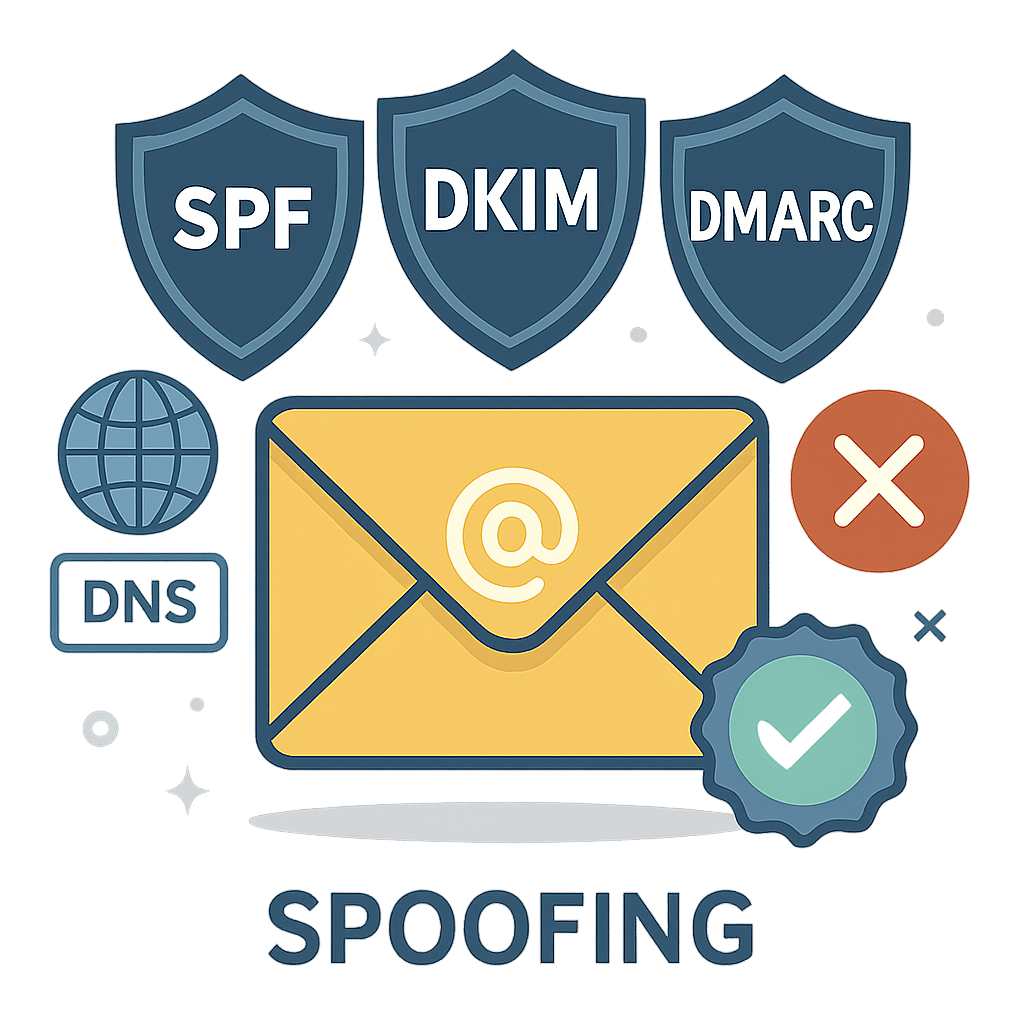
Email is the backbone of modern business communication, yet it remains a prime target for spoofing and phishing. If your domain lacks proper authentication, bad actors can impersonate you, customers may stop trusting your messages, and inbox providers will send more of your emails to spam. The good news: with SPF, DKIM, and DMARC, you can move from zero to protected in a structured, low-risk way.
This guide walks you through what these standards are, why they matter, and exactly how to implement them. Whether you run a small business or manage a large brand, you will learn a practical, step-by-step path to authenticate your mail, improve deliverability, and protect your domain’s reputation.
Table of Contents
- What Are SPF, DKIM & DMARC?
- How Email Authentication Works Together
- Prerequisites and Planning
- Step 1: Implement SPF
- Step 2: Implement DKIM
- Step 3: Implement DMARC
- Monitoring, Reporting, and Iteration
- Advanced Tips: Alignment, Subdomains, BIMI
- Troubleshooting and Common Pitfalls
- Conclusion
- Frequently Asked Questions
What Are SPF, DKIM & DMARC?
SPF, DKIM, and DMARC are open standards that prove your email really comes from your domain and has not been tampered with. Together, they help mailbox providers decide whether to trust and deliver your messages.
- SPF (Sender Policy Framework): A DNS record listing the servers allowed to send mail for your domain. Receivers check the sending IP against your list.
- DKIM (DomainKeys Identified Mail): Cryptographically signs messages with a private key. Receivers use your public key in DNS to verify that the message wasn’t altered and is associated with your domain.
- DMARC (Domain-based Message Authentication, Reporting & Conformance): A policy that tells receivers how to treat messages that fail SPF/DKIM checks, and sends you reports so you can monitor abuse and fix misconfigurations. Crucially, DMARC requires alignment between authenticated domains and the visible From: domain.
How Email Authentication Works Together
Think of SPF and DKIM as your proof sources, and DMARC as the rulebook that interprets those proofs:
- SPF checks the path your email took (the sending server) against your DNS record.
- DKIM checks the integrity of the message using a digital signature attached to the email headers.
- DMARC compares the domain in the visible From: address to the domains authenticated by SPF or DKIM. If either SPF or DKIM passes and is aligned, DMARC passes. If not, receivers apply your DMARC policy.
Alignment means the domain that passed SPF or DKIM matches (or is a subdomain of) the visible From: domain. This stops attackers from passing SPF/DKIM with unrelated domains while spoofing your brand in the From: line.
Prerequisites and Planning
Before you edit DNS, gather the following:
- Complete list of senders: All services that send on your behalf (e.g., your mailbox provider, CRM, marketing platform, help desk, billing, web app, server alerts).
- DNS access: Logins to your domain’s DNS host (registrar or DNS provider).
- Reporting inboxes: Create dedicated addresses for DMARC reports, e.g., [email protected] (for rua) and optionally [email protected] (for ruf).
- Change window: Plan updates during low-traffic times and set conservative TTLs (e.g., 1 hour) while you iterate.
Implementation strategy: start with SPF and DKIM for every sender, then roll out DMARC in stages (monitoring, quarantine, reject). This minimizes risk while you gain visibility.
Step 1: Implement SPF
How SPF works
SPF lists authorized sending sources for your domain. Receivers compare the connecting IP or include mechanism to your record, then calculate a pass, softfail, or fail.
What to publish
- Create or update a single TXT record at the root of your domain (example.com):
Example SPF record: example.com TXT “v=spf1 include:_spf.google.com include:sendgrid.net ip4:203.0.113.10 ~all”
- Mechanisms: ip4/ip6 (direct IPs), include: (third-party senders), a/mx (only if those hosts send), all (default action).
- Start with ~all (softfail) while auditing. Move to -all (hard fail) once confident.
- Combine into one record: You must have exactly one SPF TXT record at the root. Multiple SPF records cause failures.
- Respect the 10-lookup limit: Each include: and some mechanisms count toward this. Use vendor “*_spf” includes and flatten only with care.
Steps
- List all senders and find each provider’s SPF include.
- Publish one consolidated SPF record. Set TTL to 3600s (1 hour) initially.
- Send test emails from each system and check headers for Received-SPF: pass.
- After validation, consider switching ~all to -all for stricter enforcement.
Step 2: Implement DKIM
How DKIM works
DKIM signs messages with a private key at send time. Receivers fetch your public key from a DNS TXT record named selector._domainkey.example.com and verify the signature.
What to publish
- Generate keys in each sending platform (e.g., your mailbox provider and any bulk sender). Use 2048-bit keys if supported.
- Publish the provided selector TXT records in DNS.
- Enable signing for your domain in the provider’s console.
Example DKIM record: s1._domainkey.example.com TXT “v=DKIM1; k=rsa; p=MIIBIjANBgkqh…AB”
Best practices
- Use unique selectors per platform (e.g., s1 for your mailbox, mktg1 for marketing) so you can rotate keys independently.
- Rotate keys periodically (e.g., every 6–12 months). Create a new selector, publish, switch traffic, then retire the old one.
- Verify signatures by sending test messages to external mailboxes and checking headers for DKIM-Signature and Authentication-Results with dkim=pass.
Step 3: Implement DMARC
Start in monitor mode
DMARC tells receivers what to do when SPF/DKIM fail to align with your From: domain and where to send reports. Begin with p=none to gather data without impacting delivery.
Initial DMARC record: _dmarc.example.com TXT “v=DMARC1; p=none; rua=mailto:[email protected]; fo=1; adkim=s; aspf=s; pct=100”
- rua: Aggregate reports (XML) from providers. Route these to a parser or SIEM.
- ruf (optional): Forensic/failure samples. Consider privacy and volume before enabling.
- adkim/aspf: Set =s (strict) for tighter alignment or =r (relaxed) to allow subdomains. Start with s if practical for stronger protection.
- pct: Percentage of messages the policy applies to. Useful when ramping to quarantine/reject.
Move to enforcement
- 30–60 days in monitor mode: Review reports to confirm all legitimate sources pass and align.
- Quarantine phase: Change to p=quarantine; optionally set pct=25, then 50, 75, 100.
- Reject phase: Change to p=reject when confident. This is the strongest protection against spoofing.
Enforcement example: _dmarc.example.com TXT “v=DMARC1; p=reject; rua=mailto:[email protected]; adkim=s; aspf=s; sp=quarantine”
sp sets a policy for subdomains (e.g., mail.example.com) if you want different handling than the root domain.
Monitoring, Reporting, and Iteration
Reading DMARC reports
Aggregate reports summarize who is sending mail on your behalf, where it originates, and whether SPF/DKIM passed with alignment. Use a DMARC report analyzer to translate XML into dashboards and trends.
- Watch for unknown sources: New IPs, services, or countries may indicate abuse or misconfiguration.
- Track pass rates over time: Aim for near-100% SPF or DKIM alignment passes on legitimate mail before enforcement.
- Correlate with deliverability metrics: Monitor open rates, bounce codes, spam complaints, and blocklists as you tighten policy.
Iterate continuously
- Add or remove senders in SPF and DKIM as your stack changes.
- Rotate DKIM keys on a schedule.
- Periodically re-validate alignment after platform updates or domain changes.
Advanced Tips: Alignment, Subdomains, BIMI
Alignment nuances
- SPF alignment is based on the Return-Path (also called the envelope from). Make sure it uses the same domain as the visible From: domain or a subdomain if relaxed alignment is allowed.
- DKIM alignment uses the d= domain in the DKIM signature. Configure each sender to sign with your domain, not the vendor’s default domain, to achieve alignment.
Subdomains and multi-domain environments
- Use sp= in DMARC to set a separate policy for subdomains (e.g., testing on dev.example.com while enforcing on example.com).
- In large organizations, consider a central policy at the organizational domain and explicit policies for high-volume subdomains.
BIMI prerequisites
Brand Indicators for Message Identification (BIMI) can display your logo in supported inboxes. It requires strong authentication (DMARC at quarantine or reject), a published SVG logo, and often a Verified Mark Certificate (VMC). BIMI does not improve deliverability by itself, but it can increase brand trust and recognition once you reach enforcement.
Troubleshooting and Common Pitfalls
- Multiple SPF records: Merge them into one. Example: combine provider includes into a single v=spf1 … -all record.
- SPF 10-lookup limit exceeded: Use vendor-provided consolidated includes, remove unnecessary mechanisms (a, mx), and avoid nested includes where possible.
- Forwarding breaks SPF: Forwarders can change the sending IP, causing SPF to fail. DMARC can still pass via DKIM, so ensure strong DKIM signing on all mail.
- Misaligned From: domain: Some platforms sign with vendor.com by default. Change settings to sign with yourdomain.com and set a custom Return-Path if supported.
- Old DKIM selectors lingering: Remove unused public keys from DNS to reduce attack surface.
- Typos in TXT records: Extra spaces, missing semicolons, or incorrect quotes can invalidate records. Validate syntax with reputable DNS or DMARC testing tools.
- Ignoring reports: DMARC’s power is in visibility. Review and act on reports regularly, especially after onboarding new sending services.
Conclusion
By authenticating with SPF and DKIM and enforcing with DMARC, you protect your brand, increase inbox placement, and gain control over who can send using your domain. Start small: catalog senders, publish a clean SPF, enable DKIM across all platforms, and roll out DMARC in stages from p=none to p=reject. With ongoing monitoring and occasional tuning, you can keep your domain locked down while maintaining excellent deliverability.
Next steps: Implement SPF and DKIM today, publish a DMARC record in monitor mode, and set a calendar reminder to review reports in 2–4 weeks. From there, ramp to enforcement confidently.
Frequently Asked Questions
How long do DNS changes take to propagate?
Most changes are visible within minutes, but full propagation can take up to 24–48 hours depending on TTLs and resolver caching. Plan changes accordingly.
Do I need all three: SPF, DKIM, and DMARC?
Yes. SPF and DKIM provide the technical proof, while DMARC enforces alignment and gives you reporting. Skipping any piece reduces protection and visibility.
We use multiple email services. Is that a problem?
No. Add each provider to SPF and enable DKIM per platform with your domain. DMARC reports will confirm everything is aligned and passing.
What if I can’t move to p=reject right away?
Use p=quarantine and/or pct to phase in enforcement. Many organizations remain at quarantine for a period before advancing to reject.
Leave a Reply