
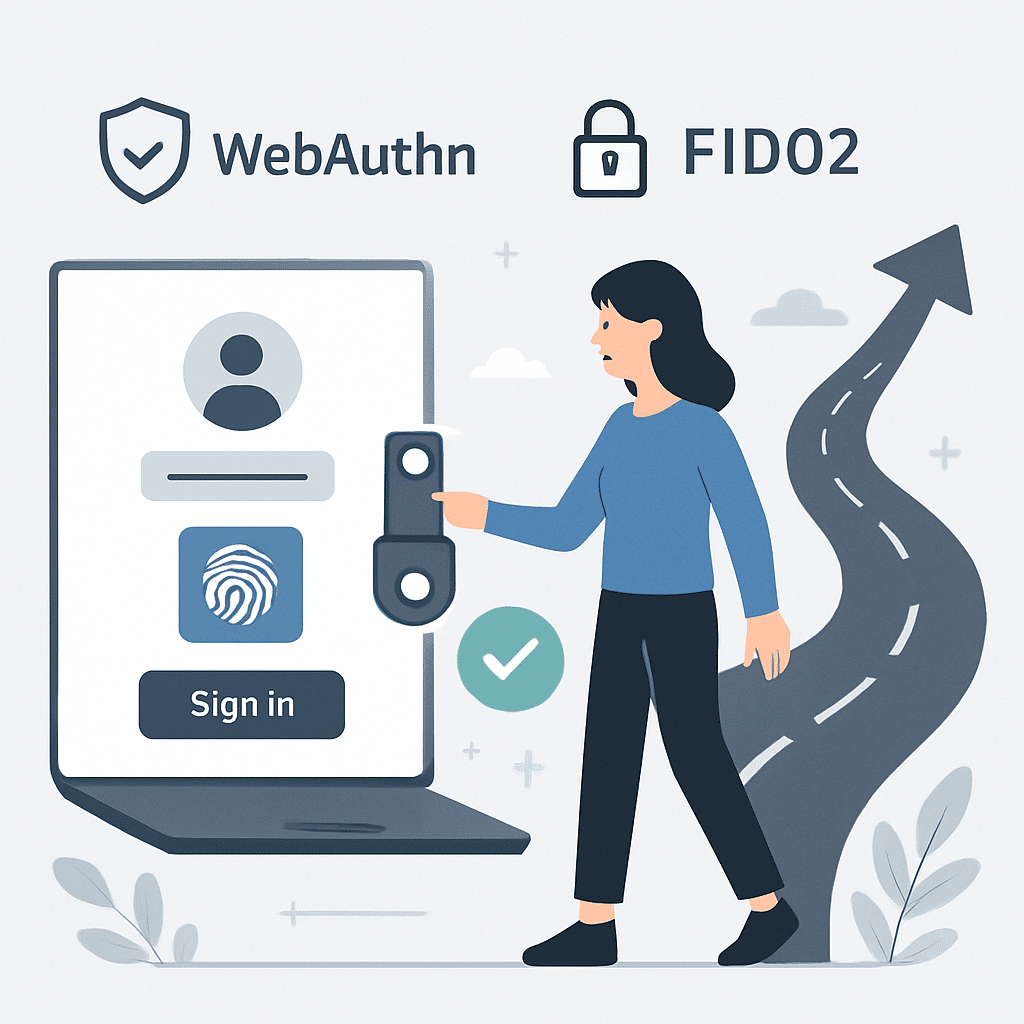
Password breaches keep making headlines, users keep forgetting credentials, and support queues fill with reset requests. Passwordless authentication promises a cleaner break: stronger security, faster sign-ins, and less friction. Yet success requires more than flipping a switch. It demands a clear plan that balances risk, user experience, and legacy realities.
This step-by-step roadmap helps IT teams move from passwords to passwordless with confidence. You'll assess your environment, choose standards like FIDO2/WebAuthn and passkeys, design policies and recovery, and roll out in phases—while measuring impact along the way.
Table of Contents
- Why Passwordless, and Why Now?
- Assess Your Current State
- Define Your Passwordless Strategy
- Choose Technologies and Architecture
- Build the Business Case and Align Stakeholders
- Plan Governance, Policy, and Risk
- Design the Migration Roadmap
- Implementation Steps and Best Practices
- Change Management and User Adoption
- Measuring Success and Continuous Improvement
- Common Pitfalls and How to Avoid Them
- Security, Compliance, and Privacy
- Sample 90-Day Rollout Plan
- Conclusion
- Frequently Asked Questions
Why Passwordless, and Why Now?
Passwords are costly and insecure. They are guessable, phishable, reused, and hard to manage. Attackers exploit them with credential stuffing, phishing, and social engineering.
Passwordless replaces knowledge-based secrets with asymmetric cryptography and device-bound credentials. Benefits include:
- Security: Phishing-resistant authenticators (e.g., FIDO2) neutralize credential theft.
- Experience: Faster sign-ins using biometrics or platform prompts reduce friction.
- Cost: Fewer resets and lockouts lower help desk volume.
- Compliance: Stronger assurance aligns with modern guidance and controls.
The shift is also timely. Platforms now support passkeys, standards have matured, and major identity providers integrate passwordless natively.
Assess Your Current State
Before changing how users sign in, inventory what you have. A clear baseline informs scope, risk, and priorities.
Map identities and apps
- Catalog identity stores (directory services, HR systems, customer databases).
- List applications by audience (workforce, partners, customers) and protocol support (SAML, OIDC, LDAP).
- Identify apps behind legacy proxies or that require password flows.
Analyze authentication and risk
- Document current factors (password, OTP, push, biometrics) and enrollment methods.
- Review phishing incidents, account takeovers, and reset ticket volumes.
- Assess device landscape (managed, BYOD, mobile vs desktop, platform versions).
Understand constraints
- Regulatory requirements and assurance levels by user segment.
- Vendor capabilities in your IdP/SSO and endpoint management stack.
- Regional needs (language, accessibility, hardware availability).
Define Your Passwordless Strategy
Set a strategy that aligns with business goals and risk appetite. Define what passwordless means for each audience and use case.
Clarify goals and scope
- Primary drivers: reduce fraud, improve UX, cut support costs, meet compliance.
- Scope per phase: workforce first, high-risk apps, or customer-facing experiences.
- Success criteria: measurable targets for adoption, ticket reduction, and login success.
Choose assurance and standards
- Prefer phishing-resistant methods such as FIDO2/WebAuthn and device- or platform-bound passkeys.
- Use risk-based policies to step up assurance only when needed.
- Define fallback posture for exceptions without reintroducing broad password risks.
Choose Technologies and Architecture
Select an architecture that centralizes policy and scales across apps and devices.
Identity provider and SSO
- Confirm your IdP supports WebAuthn, passkeys, and authenticator attestation.
- Enable federation (OIDC/SAML) to extend passwordless to downstream apps.
- Plan for legacy protocols (RADIUS, Kerberos) using gateways or step-up flows.
Authenticator choices
- Platform authenticators: Built into OS for seamless UX (Touch ID, Windows Hello).
- Roaming authenticators: Security keys (FIDO2) for shared kiosks or high-assurance roles.
- Synced passkeys: Cloud-synced credentials for convenience across personal devices.
Device and lifecycle management
- Use MDM/EMM to enforce device security and bootstrap enrollment.
- Define processes for lost, replaced, or compromised authenticators.
- Automate deprovisioning via HRIS and identity lifecycle workflows.
Orchestration and risk signals
- Leverage conditional access: device posture, geolocation, impossible travel, reputation.
- Integrate SIEM/SOAR for detection and response.
- Use adaptive flows to maintain UX while elevating security during anomalies.
Build the Business Case and Align Stakeholders
Passwordless spans security, IT, support, HR, and product. Secure sponsorship early and quantify value.
Stakeholder map
- Executive sponsor: vision, budget, cross-team alignment.
- Security and identity teams: architecture and policies.
- Help desk and field IT: support readiness and tooling.
- HR/comms/training: onboarding and change management.
- App owners and product managers: integration timelines.
Build the case
- Estimate ticket reduction (resets, lockouts) and time saved per login.
- Model risk reduction for phishing and account takeover.
- Include compliance and brand trust benefits for customer-facing apps.
Plan Governance, Policy, and Risk
Codify how users enroll, authenticate, and recover—before rollout. This prevents ad-hoc exceptions from undermining security.
Authentication policies
- Define who can use which authenticators and where (managed vs BYOD, privileged roles).
- Set step-up rules for sensitive actions (payments, admin changes).
- Limit fallback methods to minimize phishing risk.
Enrollment and recovery
- Offer at least two strong authenticators per user to avoid lockouts.
- Support remote proofing for distributed teams and verified help-desk recovery.
- Document lost/stolen device flows and maximum recovery attempts.
Logging and privacy
- Log authenticator type, assurance level, and risk decisions.
- Minimize collection of biometric data—use on-device matching where possible.
- Publish transparency notices for users.
Design the Migration Roadmap
Move in phases to reduce risk and learn quickly. Align milestones with business calendars to avoid peak periods.
Phased approach
- Pilot: 2–5% of users, diverse roles and devices. Target a few modern apps.
- Expand: Roll to non-critical apps and departments. Broaden device coverage.
- Harden: Retire weak fallbacks, tighten conditional access, refine recovery.
- Enforce: Set passwordless as default, gate high-risk actions with phishing-resistant factors.
Retirement plan
- Set a deprecation date for password-based login where feasible.
- Provide grace periods with clear prompts and countdowns.
- Disable long-lived application passwords and basic auth protocols.
Implementation Steps and Best Practices
Translate strategy into action with a predictable sequence. Use a repeatable checklist for each app and user segment.
Pre-implementation
- Enable WebAuthn/passkeys in your IdP test environment.
- Configure attestation, authenticator policies, and device trust rules.
- Prepare enrollment guides, videos, and just-in-time prompts.
Integration and testing
- Update app configurations (OIDC/SAML) to request passwordless flows.
- Test across browsers, OS versions, and device types; include accessibility checks.
- Run security tests: phishing simulations, session hijack attempts, recovery abuse.
Enrollment
- Pre-register authenticators for managed devices via MDM where supported.
- Guide users to enroll at least two methods (e.g., platform biometric + roaming key).
- Offer assisted enrollment stations for high-volume locations.
Operations
- Instrument analytics for login success, fallbacks, and step-up rates.
- Publish runbooks for recovery, device replacement, and exception handling.
- Conduct weekly reviews during rollout to adjust policies quickly.
Change Management and User Adoption
Great security fails without adoption. Make the change visible, simple, and supported.
Communication
- Announce benefits: faster sign-in, fewer resets, stronger protection.
- Provide a clear timeline, what users must do, and where to get help.
- Use in-product prompts and banners to drive enrollment at sign-in.
Training and support
- Short, role-based guides with screenshots and 2-minute videos.
- Enable champions in each department to assist peers.
- Staff the help desk with scripts and diagnostics for common issues.
Incentives and accessibility
- Offer small perks for early enrollment or completion within the first week.
- Ensure accessible options for users with disabilities and shared-device scenarios.
- Provide hardware keys where personal devices are unsuitable.
Measuring Success and Continuous Improvement
Measure early, measure often. Use data to iterate and earn trust.
- Adoption: Percent of users enrolled with two or more authenticators.
- Friction: Login success rate, median sign-in time, abandonment rate.
- Security: Phishing simulation failure rate, account takeovers, step-up triggers.
- Cost: Help desk tickets for resets and lockouts, time-to-resolution.
Run A/B tests on prompts, enrollment flows, and app group rollouts. Share wins with stakeholders to maintain momentum.
Common Pitfalls and How to Avoid Them
Anticipate what goes wrong to keep your rollout smooth.
- Overbroad fallbacks: Allowing SMS or email codes everywhere reintroduces phishing risk. Restrict and monitor.
- Weak recovery: Inadequate proofing leads to social engineering. Use verified channels and step-up checks.
- Legacy blind spots: Unmodernized apps force password use. Add federation or access proxies, or ringfence them.
- One-and-done enrollment: Users with a single authenticator get locked out. Require two at minimum.
- Under-resourced support: Spike in questions at launch. Staff up and extend hours temporarily.
Security, Compliance, and Privacy
Align passwordless with your control framework and regional regulations.
- Use phishing-resistant MFA for privileged roles and high-risk transactions.
- Map to recognized guidance (assurance levels, authenticator requirements) and document compensating controls.
- Minimize personal data, keep biometrics on-device, and publish clear retention policies.
- Ensure supply chain: vetted hardware keys, secure firmware, and tamper resistance.
Sample 90-Day Rollout Plan
Adapt this outline to your size and risk posture. Keep weekly checkpoints and executive visibility.
Days 1–30: Prove and prepare
- Finalize policies, risk signals, and recovery flows.
- Enable passwordless in a test tenant; validate on major platforms and browsers.
- Select pilot apps and assemble a 2–5% pilot group with diverse roles.
- Publish comms plan, guides, and support runbooks.
Days 31–60: Pilot and learn
- Enroll pilot users with at least two authenticators each.
- Track login success, step-ups, and ticket types daily; fix UX snags fast.
- Integrate two additional apps; test recovery and device replacement at scale.
- Share results and adjust policies (e.g., conditional access thresholds).
Days 61–90: Expand and harden
- Expand to additional departments or a customer cohort.
- Retire weak fallbacks where adoption exceeds targets.
- Introduce roaming keys for admins and high-risk workflows.
- Set deprecation dates for passwords on selected apps and communicate reminders.
Conclusion
Passwordless is not just a new login screen—it is a shift to cryptographic trust, stronger assurance, and better user experience. With a measured plan, the right standards, and thoughtful change management, IT teams can reduce risk and costs while delighting users.
Start small, learn quickly, and scale with confidence. Your future state is simpler, safer, and faster.
Frequently Asked Questions
Do we still need passwords anywhere?
Some legacy systems may require them temporarily. Use access proxies or federation to phase out passwords, and tightly control any remaining fallback methods.
What if a user loses their phone or security key?
Require at least two authenticators and provide verified recovery channels. For workforce users, device replacement should include identity proofing and step-up checks.
Are passkeys secure enough for admins?
Yes, when implemented as phishing-resistant authenticators and paired with strong device posture, conditional access, and just-in-time elevation. Many teams also issue hardware keys to admins.
How long does a typical rollout take?
Small pilots can succeed within weeks, while full enterprise migration often spans quarters. Pace depends on app modernization, device diversity, and stakeholder readiness.
Leave a Reply