
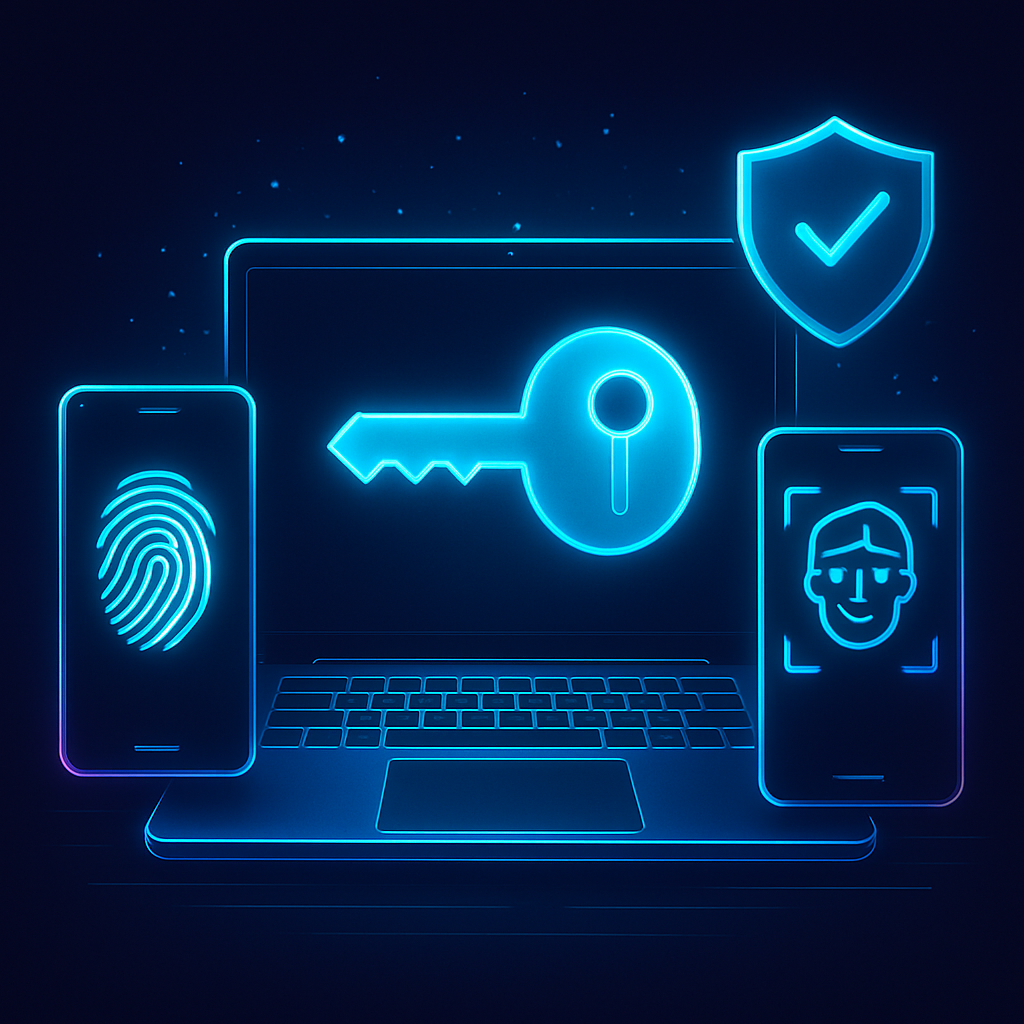
Every year, enterprises spend enormous sums fighting phishing, account takeovers, and password resets. Passkeys offer a powerful alternative: they replace passwords with cryptographic keys that are easier for people to use and far harder for attackers to phish. In this article, we examine real-world passkey rollouts at well-known companies, draw out patterns that worked, and outline practical steps to get your own deployment right.
Whether you lead security, product, or customer experience, these case studies will help you avoid dead ends, speed up adoption, and measure what matters.
Table of Contents
- What Are Passkeys and Why Enterprises Care
- Case Study: Google Accounts and Workspace
- Case Study: PayPal
- Case Study: GitHub
- Case Study: Amazon
- Case Study: WhatsApp (Android)
- Case Study: Cloudflare
- Common Patterns and Lessons Learned
- How to Plan Your Own Passkey Rollout
- Conclusion
- Frequently Asked Questions
What Are Passkeys and Why Enterprises Care
Passkeys are phishing-resistant credentials built on WebAuthn and FIDO2 standards. Instead of a shared secret like a password, a passkey uses public-key cryptography: the private key stays on a user’s device, while the public key sits with the service. Authentication is as simple as a fingerprint, face scan, or device PIN.
For enterprises, the benefits are compelling: fewer password resets, less exposure to phishing and credential stuffing, and a smoother sign-in that reduces abandonment. Passkeys also ride on platform support from Apple, Google, and Microsoft, including secure cross-device syncing through established ecosystems.
Importantly, most deployments are additive at first: passkeys sit alongside passwords and existing MFA. This lets organizations measure impact and guide users toward a better default without breaking workflows.
Case Study: Google Accounts and Workspace
Context
Google introduced passkeys as a sign-in option for Google Accounts and extended support within Google Workspace. The company positioned passkeys as the easiest and most secure way to sign in, while still supporting passwords and 2-Step Verification during the transition.
Approach
- Made passkeys highly visible during sign-in and account settings, with clear prompts to create a passkey.
- Supported passkeys across platforms and browsers, leveraging platform authenticators and roaming security keys.
- Enabled Workspace admins to pilot and set policies, balancing security posture with usability.
Rollout tactics
- Gradual nudges: contextual prompts appeared at sign-in rather than hard enforcement.
- Comprehensive help content explaining what passkeys are and how they’re safer than passwords.
- Fallback paths remained: users could still authenticate with existing methods if needed.
Outcomes and takeaways
- Lower friction for everyday logins with biometrics replacing password entry.
- Reduced phishing risk thanks to origin-bound cryptography that resists credential replay.
- Admin controls supported enterprise readiness, pilots, and staged adoption.
Case Study: PayPal
Context
PayPal, a high-value target for fraudsters, added passkeys as an option for customers. The goal was to increase security while streamlining checkout and account access.
Approach
- Surfaced passkeys as a recommended sign-in upgrade in the app and on the web.
- Leaned on built-in device biometrics to make authentication nearly instantaneous.
- Ensured passkey support on major operating systems and browsers to maximize reach.
Rollout tactics
- Clear callouts during high-intent moments (e.g., after successful login or profile updates).
- Education focused on convenience and safety: no more one-time codes, fewer lockouts.
- Kept recovery and alternative sign-in methods available to avoid dead ends.
Outcomes and takeaways
- Improved customer experience—authentication feels native and fast.
- Stronger phishing resistance without relying on SMS codes.
- Adoption moved fastest among mobile-first users comfortable with biometrics.
Case Study: GitHub
Context
As a critical code hosting platform, GitHub has long advocated strong authentication. Adding passkeys complemented its support for security keys and other MFA options.
Approach
- Offered passkeys as a WebAuthn-based factor suitable for both developers and organizations.
- Maintained compatibility with existing security keys and policies for org admins.
- Integrated enrollment into the profile security flow with clear guidance.
Rollout tactics
- Developer-centric education explaining WebAuthn, device-bound keys, and phishing resistance.
- Encouraged multiple authenticators per account for resilience.
- Instrumented telemetry to track adoption by factor type and failure modes.
Outcomes and takeaways
- Broader coverage of phishing-resistant auth factors without requiring external hardware for every user.
- Better user experience than OTP-based MFA, boosting daily-use compliance.
- Policy controls helped organizations standardize on stronger factors over time.
Case Study: Amazon
Context
Amazon introduced passkeys for customer accounts to reduce password-related friction and risk across a massive user base with diverse devices.
Approach
- Positioned passkeys as a faster, safer way to sign in, alongside passwords and existing MFA methods.
- Focused on broad device coverage, emphasizing support in mainstream browsers and mobile platforms.
- Added self-service management for creating and removing passkeys in account settings.
Rollout tactics
- Contextual prompts after successful logins and during security checkups.
- Help articles with step-by-step instructions for popular devices.
- Careful error handling and fallbacks to avoid checkout abandonment.
Outcomes and takeaways
- Streamlined access during high-intent moments (e.g., purchase flows) with fewer password hurdles.
- Lower exposure to phishing and credential reuse attacks.
- Progressive enhancement strategy preserved conversion while growing adoption.
Case Study: WhatsApp (Android)
Context
WhatsApp added passkey support on Android to strengthen account access and reduce reliance on SMS-based codes, which can be susceptible to interception and social engineering.
Approach
- Used Android’s native passkey UX to keep enrollment and authentication familiar.
- Kept existing verification options available as a bridge for users not ready to switch.
- Prioritized a secure-by-default posture while minimizing user confusion.
Rollout tactics
- In-app announcements and prompts tied to login or device change events.
- Short, visual walkthroughs that demystified passkeys for a broad audience.
- Careful localization and accessibility checks to support global adoption.
Outcomes and takeaways
- Reduced friction compared with one-time codes, especially in low-connectivity environments.
- Phishing resistance improved by binding authentication to the legitimate app origin.
- Mobile-first design matters: lean into the native platform flows users already trust.
Case Study: Cloudflare
Context
Cloudflare enabled passkeys for logging in to its dashboard, aligning with its push for phishing-resistant authentication across customers and employees.
Approach
- Offered passkeys as a primary option for dashboard access while retaining backup factors.
- Provided guidance on enrolling multiple authenticators to prevent lockouts.
- Integrated passkeys into a broader zero-trust posture for workforce and customer access.
Rollout tactics
- Technical blogs and docs that explained configuration and best practices.
- UI affordances that made it simple to add or manage passkeys during regular sign-ins.
- Analytics to track factor usage and failure rates for continuous improvement.
Outcomes and takeaways
- High-security authentication without hardware-only requirements for every user.
- Better alignment between customer-facing sign-in and internal security standards.
- Operational learnings informed product defaults and admin controls.
Common Patterns and Lessons Learned
1) Add, don’t replace—at first
Successful programs introduce passkeys alongside existing methods and monitor real-world usage before tightening policies. This avoids lockouts and preserves conversion.
2) Meet users where they are
Prompts at high-intent moments (after login, during checkout, or during a security review) outperform generic banners. Keep copy focused on speed and safety.
3) Lean on native UX
Use platform-native passkey dialogs and biometrics. They are familiar, fast, and reduce training needs. Keep accessibility and localization front and center.
4) Engineer for recovery
Encourage users to register more than one authenticator, and provide secure recovery paths. Frictionless recovery prevents help desk spikes and abandonment.
5) Instrument everything
Track enrollment rate, daily active usage of passkeys, success/failure reasons, and time-to-authenticate. Correlate with password reset tickets and fraud signals.
6) Communicate clearly
Address the big questions: “What if I lose my phone?”, “Can I still sign in on a new laptop?”, “Is this the same as Face ID?” Clear, concise answers drive adoption.
How to Plan Your Own Passkey Rollout
Phase 1: Foundations
- Standards and SDKs: Implement WebAuthn/FIDO2 using battle-tested libraries. Validate cross-browser behavior.
- Risk and UX alignment: Decide where passkeys appear (login, step-up auth, account changes) and how to message benefits.
- Admin controls: If you serve businesses, provide policies for enforcement, recovery, and reporting.
Phase 2: Pilot
- Target cohorts: Start with employees, beta customers, or power users who can give feedback.
- Measure: Enrollment rate, authentication success, average auth time, changes in password-reset volume.
- Iterate: Improve prompts, fix edge cases, and refine fallback flows.
Phase 3: Broad availability
- Soft nudges: Recommend passkeys after successful logins or during security checkups.
- Education: Provide concise how-tos for major devices, with visuals and localization.
- Support readiness: Train agents on recovery scenarios and clear escalation paths.
Phase 4: Optimization and policy
- Incentivize: Consider small incentives or badges for enabling passkeys on high-risk accounts.
- Policy shifts: Over time, gently deprecate weaker factors (e.g., SMS OTP) where appropriate.
- Security reviews: Periodically test phishing resistance and session management around passkeys.
Conclusion
Across industries, the pattern is clear: passkeys strengthen security while reducing friction. Leaders like Google, PayPal, GitHub, Amazon, WhatsApp, and Cloudflare show that a pragmatic, user-centric rollout—paired with strong recovery and measurement—can deliver quick wins and long-term gains.
If you are planning your own deployment, start small, instrument deeply, and iterate on the user experience. Done right, passkeys can be the rare security upgrade that users actually love.
Frequently Asked Questions
Are passkeys the same as a password manager?
No. Passkeys use public-key cryptography and are bound to the website’s origin, making them resistant to phishing. Password managers store and fill shared secrets (passwords), which can still be phished.
Do passkeys work across my devices?
Yes, major ecosystems support secure cross-device syncing of passkeys within user accounts (for example, via iCloud Keychain or Google Password Manager), and you can also use roaming security keys.
What happens if I lose my phone?
You should enroll multiple authenticators (e.g., a laptop and a security key) and keep recovery methods current. Enterprises can also offer admin-assisted recovery under strict controls.
Can I go fully passwordless on day one?
It’s possible in tightly controlled environments, but most organizations start by offering passkeys alongside existing methods, then tighten policies as adoption grows and support teams are ready.
Leave a Reply