
Too many tools, too little time. If that sounds like your DevOps reality, you are not alone. Teams everywhere are being asked to ship faster while staying secure—often with limited budgets and headcount. Minimalist DevOps offers a practical way forward: focus on a small set of proven practices and tools that deliver outsized results without adding operational drag.
This guide shows how to build a secure CI/CD pipeline with minimal overhead. Whether you’re a startup founder, a solo engineer, or a small team in a larger company, you’ll find clear steps, tool suggestions, and checklists to move from “we should” to “we did” in a single afternoon.
Table of Contents
- What Is Minimalist DevOps?
- Guiding Principles for Doing More with Less
- A Secure-by-Default Pipeline Blueprint
- Tool Choices: Open-Source and Low-Cost Options
- Security Controls That Take Minutes, Not Months
- Templates You Can Copy
- Day-1 Setup in 90 Minutes
- Operating the Pipeline: Daily and Weekly Routines
- Scaling Up: When You Have More Time
- Common Pitfalls and How to Avoid Them
- Metrics That Matter
- Conclusion
- Frequently Asked Questions
What Is Minimalist DevOps?
Minimalist DevOps is an approach that prioritizes essential practices and compact toolchains to deliver reliable, secure software quickly. Instead of chasing every new platform or adding dashboards that no one reads, it embraces constraints—time, budget, and people—to guide clear decisions.
The goal is not to do less DevOps; it’s to do the right DevOps. By focusing on the shortest path to value, your pipeline becomes easier to understand, cheaper to run, and safer to operate.
Minimalist does not mean sloppy. It means disciplined defaults: automation over ad hoc steps, secure configurations by default, and tight feedback loops. The result is speed and confidence without complexity.
Guiding Principles for Doing More with Less
Start with outcomes
Define what “good” looks like before choosing tools. For most teams: fast commits to deploys, repeatable releases, and meaningful security signals that don’t drown you in noise.
Prefer managed over self-hosted (when possible)
Hosted repos, CI, and registries reduce maintenance. Use built-in features before adding new systems.
Automate the golden path only
Automate the common, high-value path to production first. Edge cases can wait.
Secure by default
Make the safe path the easy path. Enforce branch protection, require reviews, and scan artifacts automatically.
Small, composable tools
Pick simple tools that do one job well and integrate easily. Fewer moving parts means fewer failures.
A Secure-by-Default Pipeline Blueprint
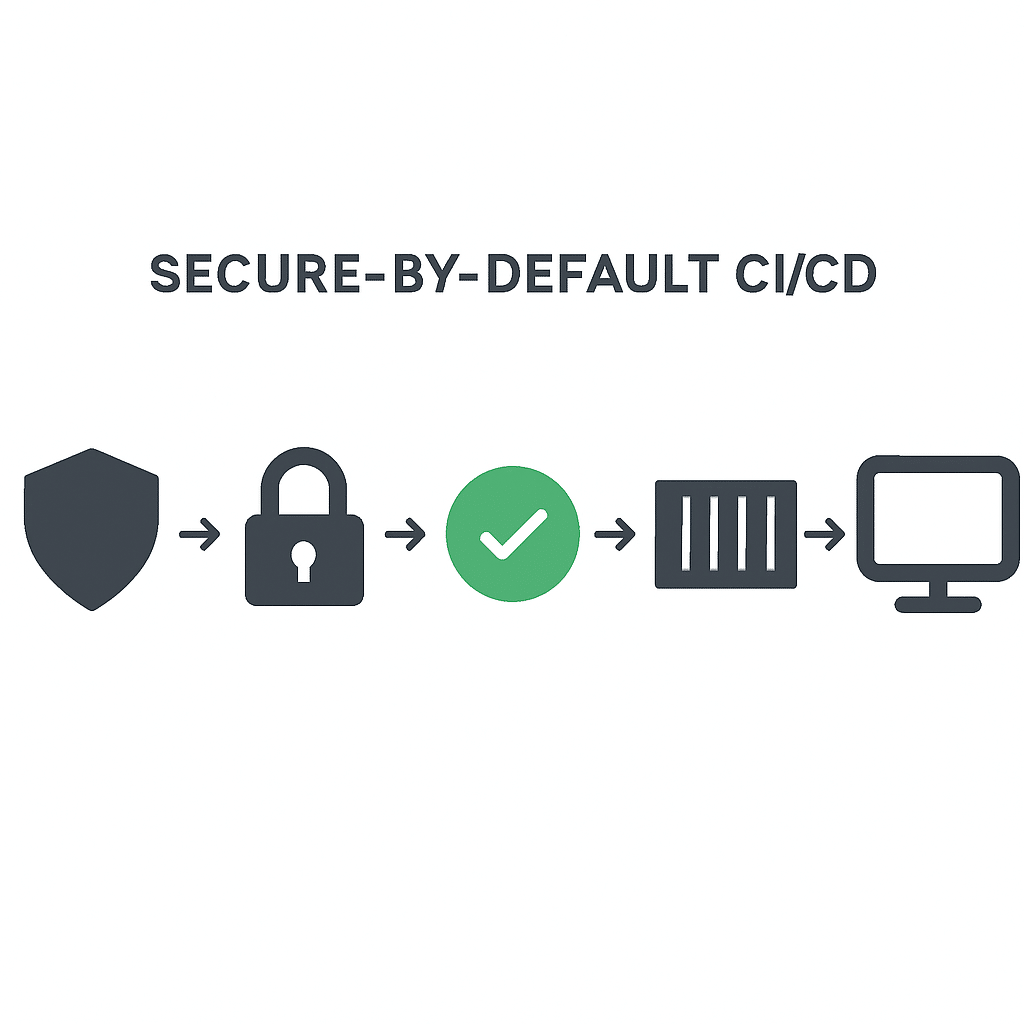
Below is a minimal CI/CD flow that balances speed and security. Keep it simple, then evolve:
- Plan: Ticket or issue links in commits and PRs provide traceability.
- Code: Branch protection, required reviews, and commit signing build trust at the source.
- Build: Reproducible builds with pinned versions and minimal base images.
- Test: Unit and integration tests run fast; keep a quick fail-first mindset.
- Scan: Dependency, container, and IaC scans break builds for high-risk issues.
- Package: Create an SBOM and sign images/artifacts.
- Deploy: Promote through environments with one click or automated gates.
- Monitor: Basic uptime checks and error tracking; page on real issues only.
Visualizing the flow helps align the team on what matters:

Tool Choices: Open-Source and Low-Cost Options
Source control and CI
- GitHub + Actions, GitLab + CI, or Bitbucket Pipelines for integrated repos and CI.
- Use built-in runners where possible; move to self-hosted runners only when needed.
Build and packaging
- Docker or Podman for container builds.
- Poetry (Python), npm/pnpm (JS), Maven/Gradle (Java) for reproducible builds.
- Artifact registries: GitHub Container Registry, GitLab Container Registry, or Docker Hub.
Security scanning
- Dependencies: OWASP Dependency-Check, npm audit, pip-audit.
- Containers: Trivy, Grype.
- IaC: Checkov, tfsec, kube-score.
Supply chain integrity
- SBOM: Syft.
- Signing and attestations: Sigstore Cosign.
Secrets and configuration
- Managed secrets in CI platform; consider sops (with cloud KMS) or HashiCorp Vault as you grow.
- Environment variables with least privilege; rotate keys on schedule.
Deploy and runtime
- Terraform for infra provisioning; Ansible for configuration.
- Runtime targets: managed Kubernetes, serverless (e.g., AWS Lambda), or simple VMs with systemd for very small teams.
Observability
- Logs: platform-native logs or a lightweight stack.
- Metrics/uptime: managed monitors, Healthchecks, or status pages.
- Error tracking: Sentry (hosted or OSS), or language-specific alternatives.
Security Controls That Take Minutes, Not Months
- MFA everywhere on your repo, CI, and cloud accounts (10 minutes).
- Branch protection: require PRs, at least one review, and status checks (15 minutes).
- Commit signing with GPG or keyless signing via Sigstore (20 minutes).
- Pin dependencies and use lockfiles; update weekly with a single PR (15 minutes).
- Minimal base images (e.g., distroless, alpine) to shrink attack surface (10 minutes).
- Non-root containers and read-only filesystems where possible (10 minutes).
- Automated scans on pull requests and main branch; fail on criticals (20 minutes).
- SBOM + image signing to track what you ship and prove provenance (20 minutes).
- Least-privilege CI: scoped tokens, short-lived credentials (15 minutes).
These controls offer high security impact with minimal operational burden. Implement them before adding more sophisticated layers.
Templates You Can Copy
Universal PR checklist (add to your repo)
- Link to an issue or ticket for traceability.
- Unit tests added or updated and pass locally.
- Security scan passes with no criticals.
- Dependency changes reviewed and pinned.
- Changelog entry or release notes prepared.
Minimal build and scan steps (platform-agnostic)
- Checkout code.
- Restore or set up dependencies using a lockfile.
- Run unit tests in parallel jobs if possible.
- Build container image with a minimal base; set user to non-root.
- Scan dependencies and the built image; fail on high/critical issues.
- Generate SBOM and attach to artifact.
- Sign the image and publish to a registry.
Deployment gates
- Staging auto-deploys on merge to main if all checks pass.
- Production requires manual approval or a timed window.
- Rollback plan documented: last known good tag and one-click revert.
Day-1 Setup in 90 Minutes
- 0–15 min: Turn on MFA for repo/CI/cloud. Enable branch protection and required status checks.
- 15–30 min: Add unit test job, dependency scan, and container scan to the pipeline. Use Trivy for containers and your language’s native audit tool.
- 30–45 min: Switch to a minimal base image, run as non-root, and pin dependencies with a lockfile.
- 45–60 min: Generate SBOM (Syft) during the build and sign the image (Cosign). Push to a managed registry.
- 60–75 min: Create staging environment with automatic deploys on main; require manual approval for production.
- 75–90 min: Add uptime check and simple error tracking; set alerts to page only for production outages.
That’s it. You now have a fast, reasonably secure pipeline with clear promotion paths.
Operating the Pipeline: Daily and Weekly Routines
Daily
- Keep PRs small and focused; merges should be routine, not events.
- Fix broken builds immediately; treat red pipelines as the team’s top priority.
- Review security scan results; triage quickly and create follow-up tickets.
Weekly
- Update dependencies with a single batch PR; re-run tests and scans.
- Scan container base images and rebuild even if app code hasn’t changed.
- Review metrics (lead time, deployment frequency, change failure rate).
- Rotate any short-lived credentials and verify secret scopes.
Monthly
- Tabletop a rollback scenario; verify backups and restore procedures.
- Refine alerts—remove noisy checks and add gaps discovered in incidents.
- Evaluate one improvement: faster tests, better caching, or policy checks.
Scaling Up: When You Have More Time
- Policy as code: Use OPA/Conftest to enforce rules on Dockerfiles, Kubernetes manifests, and Terraform.
- Environment strategies: Blue/green or canary deploys with automated health checks.
- Ephemeral runners: Isolate builds and reduce secrets exposure.
- OIDC for CI: Use short-lived, federated credentials to access cloud resources without stored static keys.
- DAST and fuzzing: Add runtime security tests for critical services.
- SLSA alignment: Move toward build provenance and higher supply chain assurance over time.
Grow incrementally. Add one capability at a time and ensure the team understands and owns it.
Common Pitfalls and How to Avoid Them
- Overtooling: Too many tools create cognitive load. Consolidate into your platform where possible.
- Unowned security: Scanners produce noise when no one is accountable. Assign a weekly rotation to triage and fix.
- Slow tests: Long CI times discourage frequent deploys. Parallelize, cache dependencies, and test only what changed.
- Drift: Manual changes in prod diverge from code. Use IaC and enforce review for changes.
- Secret sprawl: Hardcoded or over-privileged keys. Centralize secrets, scope access, and rotate regularly.
Metrics That Matter
Measure what drives outcomes, not vanity.
- DORA metrics: deployment frequency, lead time for changes, change failure rate, mean time to recovery.
- Security responsiveness: mean time to remediate high/critical vulnerabilities.
- Supply chain integrity: percentage of artifacts with SBOM and signatures; policy compliance rate.
- Efficiency: median CI duration and cache hit rate.
Decide thresholds and alert on trends, not single data points.
Conclusion
Minimalist DevOps is about intentional choices. By adopting a short list of high-impact practices—branch protection, automated tests and scans, SBOMs and signing, and simple deployment gates—you can ship faster and safer without inflating your toolchain or your budget.
Start with the blueprint in this article, implement the 90-minute setup, and iterate weekly. You’ll build momentum, reduce risk, and free up time for the work that differentiates your product.
Frequently Asked Questions
Is minimalist DevOps only for small teams?
No. The principles scale. Large organizations benefit from standardizing on simple, secure defaults before layering on complexity for specialized needs.
Do I need Kubernetes to do DevOps well?
Not at all. Many teams ship quickly using serverless or simple VMs. Choose the simplest runtime that meets your reliability and scaling needs.
What if scans create too many false positives?
Tune severity thresholds, suppress known low-risk issues with expiration dates, and review weekly. Prioritize criticals and highs that are reachable and exploitable.
How do I justify the time to set this up?
Track metrics: faster lead time, fewer incidents, and reduced rework. A 90-minute setup that prevents one outage or breach pays for itself many times over.
Leave a Reply