
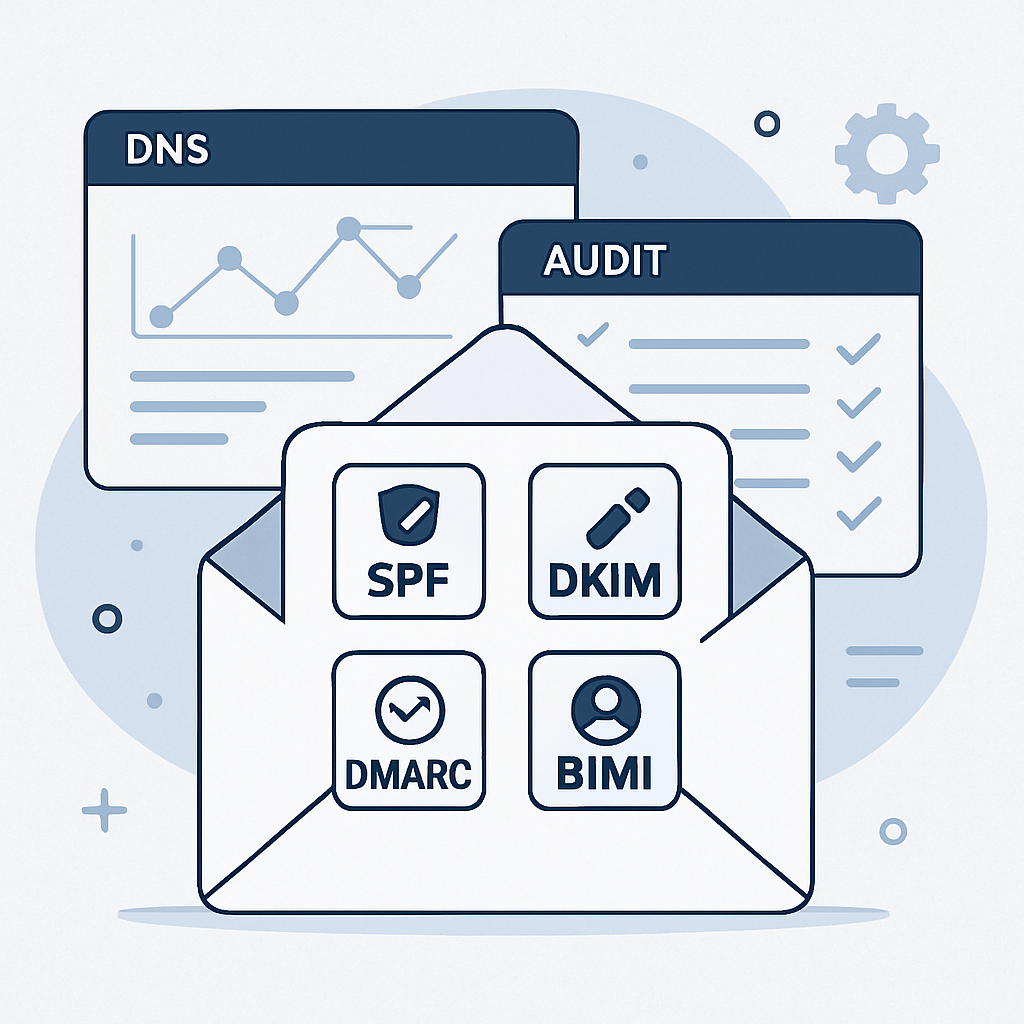
Email authentication is the quiet guardian of your inbox reputation. When it is healthy, more of your messages land where they belong, phishing attempts are blocked, and your brand looks trustworthy. When it is not, deliverability dips, security risks rise, and your analytics become unreliable. This guide walks you through a practical, tool-backed audit so you can confirm your SPF, DKIM, DMARC, and BIMI foundations are solid and stay that way.
Whether you manage a small newsletter or a complex, multi-domain enterprise program, a disciplined audit helps you find blind spots and fix them before they affect revenue or customer trust. Use the checklists and tools below to assess your current state, close gaps, and set up continuous monitoring.
Table of Contents
- What Is Email Authentication and Why It Matters
- Core Standards: SPF, DKIM, DMARC, and BIMI
- Pre-Audit Preparation: Inventory and Access
- Step-by-Step Audit Checklist
- Tools to Run Your Audit
- Diagnosing and Fixing Common Issues
- Monitoring, Reporting, and KPIs
- Governance: Roles, Policies, and Change Control
- Advanced Tips for Complex Environments
- Putting It All Together: 30-60-90 Day Plan
- Conclusion
- Frequently Asked Questions
What Is Email Authentication and Why It Matters
Email authentication is the set of technical standards that prove a message really came from your domain and was not altered in transit. The core protocols are SPF, DKIM, and DMARC, with BIMI adding brand signals once trust is established.
Deliverability plus security
Healthy authentication improves inbox placement and protects recipients from spoofing. Mailbox providers evaluate these signals alongside engagement, list quality, and content. Strong signals raise trust; weak ones drag down your reputation.
Key outcomes of a strong setup
- Higher inbox placement and stable sender reputation
- Reduced spoofing, phishing, and brand abuse
- Clearer analytics via DMARC reports and postmaster dashboards
- Eligibility for visual trust cues like BIMI
Core Standards: SPF, DKIM, DMARC, and BIMI
SPF
Sender Policy Framework lists the IPs and hosts allowed to send mail for your domain. Receivers check the connecting IP against your DNS SPF record. Keep it simple, under 10 DNS lookups, and end with a clear qualifier such as ~all (soft fail) or -all (hard fail).
DKIM
DomainKeys Identified Mail adds a cryptographic signature to each message. The public key is published in DNS; the private key signs headers at send time. Receivers verify the signature to confirm domain control and message integrity.
DMARC
Domain-based Message Authentication, Reporting, and Conformance ties SPF and DKIM to your visible From domain via alignment rules. A DMARC policy tells receivers how to handle failures and where to send reports. You typically move from none to quarantine to reject as confidence grows.
BIMI
Brand Indicators for Message Identification lets supported inboxes display your brand logo when DMARC enforcement is in place. Many brands use a Verified Mark Certificate to prove logo ownership. Think of BIMI as a reward for consistent authentication.
Pre-Audit Preparation: Inventory and Access
Inventory your domains and senders
- Primary domain and all subdomains used for mail
- Parked or legacy domains that could be abused
- All ESPs, CRMs, marketing tools, ticketing systems, and infrastructure MTAs that send on your behalf
- Third parties like payroll, billing, and support tools that send using your domain
Confirm access and ownership
- DNS provider access for TXT record changes
- ESP and MTA admin rights to configure DKIM and envelope domains
- Access to postmaster dashboards and DMARC report mailboxes
Baseline your current state
- Deliverability by mailbox provider (if available)
- Spam complaint and hard bounce rates
- Current SPF, DKIM, and DMARC configurations
- Existing DMARC aggregate and forensic report flows
Step-by-Step Audit Checklist
1. DNS and records
- Retrieve SPF, DKIM selectors, DMARC, and BIMI records for each sending domain.
- Check SPF syntax, the number of DNS lookups, and presence of -all or ~all.
- Verify DKIM public keys publish correctly and match active selectors in your ESP or MTA.
- Confirm DMARC has rua and ruf destinations, alignment mode (relaxed or strict), and a policy of none, quarantine, or reject.
- If pursuing BIMI, confirm logo hosting, SVG format, and VMC status.
2. Mail streams and alignment
- List all distinct mail streams: marketing, transactional, product notifications, support, and finance.
- For each stream, send test messages to multiple inboxes. Capture raw headers.
- Verify SPF passes and aligns with the visible From domain (or subdomain as intended).
- Verify DKIM passes and aligns; ensure the d tag domain matches or aligns with From.
- Confirm DMARC result is pass via SPF or DKIM alignment.
3. Policy and enforcement readiness
- Assess DMARC alignment coverage across streams. Identify any that fail or only partially align.
- Mitigate gaps: update envelope domains, configure custom return-paths, or enable per-stream DKIM.
- Set a timeline to move from p=none to p=quarantine and then p=reject when data supports it.
4. Reporting and visibility
- Ensure DMARC aggregate reports reach a mailbox or analytics platform you monitor.
- Create dashboards that segment by domain, source IP, provider, pass or fail status, and volume.
- Set alerts for sudden increases in DMARC failures, SPF lookups near limits, or DKIM verification errors.
5. Documentation
- Record current records and selectors, with owners and renewal dates for keys or certificates.
- Document approved senders and change procedures.
- Publish internal runbooks for onboarding any new mail stream.
Tools to Run Your Audit
DNS and record lookups
- Command line: dig, nslookup, and openssl for quick checks
- Online parsers: SPF and DMARC record syntax validators
- MX and DNS diagnostics: MXToolbox or similar services
Header and message analysis
- Mail header tools to parse Authentication-Results and ARC headers
- ESP test inboxes that show pass or fail details for SPF, DKIM, and DMARC
DMARC reporting and analytics
- DMARC analyzers from specialist vendors that visualize aggregate reports
- SIEM or data warehouse ingestion for long-term trend analysis
Postmaster dashboards
- Google Postmaster Tools for domain reputation, spam rates, and feedback loops
- Microsoft SNDS for IP reputation and complaint signals
Sender platform tooling
- ESP or MTA admin consoles for DKIM selector management and return-path configuration
- Key management tools to rotate DKIM keys and track selectors per stream
Diagnosing and Fixing Common Issues
SPF: too many lookups or include sprawl
- Symptom: SPF temperror or permerror; or pass is inconsistent across providers.
- Fix: Consolidate includes, replace nested mechanisms with ip4 or ip6 when possible, and remove unused senders. Keep total DNS lookups under 10.
DKIM: selector mismatch or key problems
- Symptom: DKIM=fail due to no key, wrong selector, or canonicalization issues.
- Fix: Confirm selector names in the ESP match DNS, republish keys if missing, and prefer relaxed canonicalization unless a specific need dictates otherwise.
DMARC: alignment failures
- Symptom: DMARC=fail even though SPF or DKIM passes.
- Fix: Align the d= domain in DKIM with the visible From domain, or ensure the SPF envelope domain aligns. Use subdomain policies (sp=) when routing different streams.
Forwarding and mailing lists
- Symptom: SPF breaks after forwarding; mailing list modifies content causing DKIM fail.
- Fix: Rely on DKIM alignment for DMARC pass in forwarded scenarios. Consider ARC-aware flows where supported.
BIMI not appearing
- Symptom: Logo does not display despite records existing.
- Fix: Ensure DMARC enforcement (p=quarantine or reject) on the exact domain, correct SVG Tiny P/S format, HTTPS hosting, and VMC where the mailbox provider requires it.
Monitoring, Reporting, and KPIs
KPIs that matter
- DMARC alignment coverage: percentage of volume passing via SPF or DKIM
- Unknown sources: percentage of volume failing alignment or coming from unapproved senders
- DNS health: SPF lookup count, record size, and error rates
- Deliverability indicators: spam rate, blocklist hits, and domain reputation trends
Cadence and alerts
- Daily: Review DMARC aggregates for sudden spikes in failures
- Weekly: Spot-check headers from each mail stream
- Monthly: Rotate or validate DKIM keys and review sender inventory
- Quarterly: Audit DNS records for bloat, deprecate unused includes, and review enforcement policies
Visualizing progress
Create dashboards that show pass or fail trends, top failing sources, and alignment status by stream. Use thresholds to flag when unknown senders exceed a defined limit, prompting investigation.
Governance: Roles, Policies, and Change Control
Clear ownership
- Assign a domain owner responsible for SPF, DKIM, and DMARC records
- Designate stream owners for each business unit or product
- Identify approvers for onboarding new senders
Standard operating procedures
- Checklist for onboarding a new mail stream, including test plans
- Runbook for incident response when DMARC failures spike
- Key rotation cadence and documentation of selectors
Change control
- Use pull requests or change tickets for DNS updates
- Peer review all SPF includes and DMARC policy changes
- Time-box changes and monitor closely post-deploy with a rollback plan
Advanced Tips for Complex Environments
Multiple ESPs and hybrid infrastructure
- Assign dedicated subdomains per ESP or stream to isolate reputation
- Maintain per-stream DKIM selectors and avoid shared keys
- Standardize return-path domains to simplify alignment
Strict alignment without surprise breaks
- When moving to s alignment for DMARC, validate every stream and forwarder
- Test with staged subdomains first, then promote to primary
Complementary transport security
- Implement MTA-STS and TLS-RPT for stronger transport security and reporting
- Monitor TLS failures to catch misconfigurations or interception attempts
Key management maturity
- Rotate DKIM keys annually or when vendors change
- Use 2048-bit keys where supported and track expiration
Putting It All Together: 30-60-90 Day Plan
Days 1 to 30: Discover and stabilize
- Complete domain and sender inventory, baseline metrics, and current records
- Fix SPF syntax, reduce lookups, and ensure all streams sign with DKIM
- Set DMARC policy to none with rua and ruf reporting
Days 31 to 60: Align and enforce
- Close alignment gaps per stream; document changes
- Move to p=quarantine for subdomains or lower-risk streams
- Deploy dashboards and alerting; begin BIMI prep if desired
Days 61 to 90: Optimize and expand
- Elevate to p=reject where coverage exceeds your threshold
- Publish BIMI with VMC if required and monitor display
- Codify governance, add MTA-STS and TLS-RPT, and schedule quarterly audits
Conclusion
A thorough email authentication audit is part detective work, part hygiene, and part governance. By following the checklists, using the right tools, and enforcing policies gradually, you can improve deliverability and protect your brand at the same time.
The payoff is fewer surprises, clearer insights, and messages that consistently reach your audience. Start with discovery, validate alignment, then move steadily toward enforcement and ongoing monitoring.
Frequently Asked Questions
How often should we audit our email authentication?
Run a light check monthly and a full audit quarterly, or after any major change such as a new ESP, domain, or DNS provider.
Do we need both SPF and DKIM if we have DMARC?
Yes. DMARC relies on SPF or DKIM alignment to pass. Implement both so that forwarding or content changes do not inadvertently cause failures.
When is it safe to move to p=reject?
When your DMARC reports show that legitimate traffic passes alignment consistently and unknown sources are understood or blocked, typically after several weeks at p=quarantine.
Why does forwarding break SPF?
Forwarding changes the connecting IP, causing SPF to fail. Rely on DKIM alignment to maintain a DMARC pass in those scenarios.
Leave a Reply