
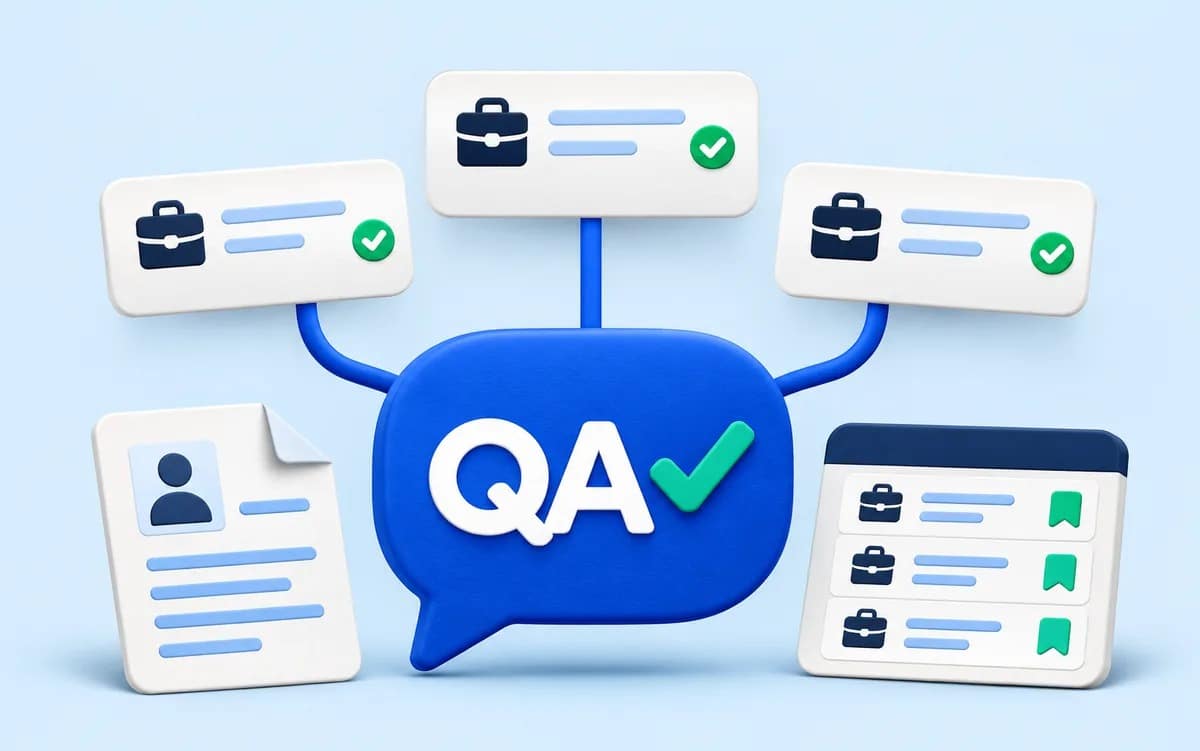
QATestingJobs is now in ChatGPT. The approved plugin was published on 17 November 2026, bringing QA job discovery, job-description analysis and a connected resume-to-shortlist workflow into a conversation.
For software testers, QA engineers, automation engineers and SDETs, the useful part is the connection between asking a question and taking a next step. A conversation can help find a role, examine its requirements and, after account connection, compare it with an existing saved resume before saving it to QATJ.
Open QATestingJobs in ChatGPT.
From a general question to a useful workflow
A general AI conversation can help you brainstorm a job-search strategy. A connected application can also bring a specific catalog and a destination for the work into that conversation.
QATestingJobs starts with its QA job catalog. Users can search for roles, explore listing details or analyze a pasted job advertisement or public job URL. When they connect a QATJ account, they can select an existing saved resume, review fit and save a chosen role to their private Application Workspace.
The handoff matters. The conversation supports discovery and evaluation; the website carries the application forward through tracking and preparation.
What the launch makes possible
- Search in plain language. Describe the testing role, tools and location you want to explore.
- Look beyond the job title. Review responsibilities and requirements, or bring a public job advertisement into the analysis.
- Compare with saved resume context. Connect a QATJ account and use an existing saved resume for a role-specific fit review.
- Carry the decision forward. Save selected roles to the Application Workspace, then continue on the QATestingJobs website.
Try one focused conversation
A useful first prompt is: “Find remote QA automation roles that use Playwright.” Add your target country, seniority or other constraints, then inspect the results. Matching vacancies depend on the listings available at the time.
Follow with a question about the work: “Which requirements are essential, and what should I check before applying?” After connecting your account, ask to compare the role with the saved resume you want to use.
Check the original listing before acting. AI analysis and match scores can help organise a decision, but they do not establish employer eligibility, guarantee an interview or replace an accurate account of your experience.
A deliberate boundary around personal actions
Public job search and job-ad analysis do not require a connected QATJ account. Saved resumes, resume-aware scoring and tracker saves do. This gives the personal part of the workflow a clear account boundary.
The plugin’s workflow ends with a handoff to the web tracker after saving. It does not submit applications to employers. Resume uploads and edits, application stages and deeper PAKit preparation remain website workflows.
Why this is a useful AI product milestone
The launch illustrates a practical direction for AI products: connect a familiar conversation to a defined task, relevant information and a place where the result can be used. Here, the result is a reviewed role in a candidate’s shortlist.
For candidates, that means another way into the QATestingJobs workflow. For people building AI-enabled products, it is a concrete example of keeping the task focused and making the handoff to the core application explicit.
Explore the launch
Try the QATestingJobs plugin in ChatGPT, or visit qatestingjobs.com and follow the launch banner. For a walkthrough, read QATestingJobs’ launch guide.
Leave a Reply